

On this page11 sections
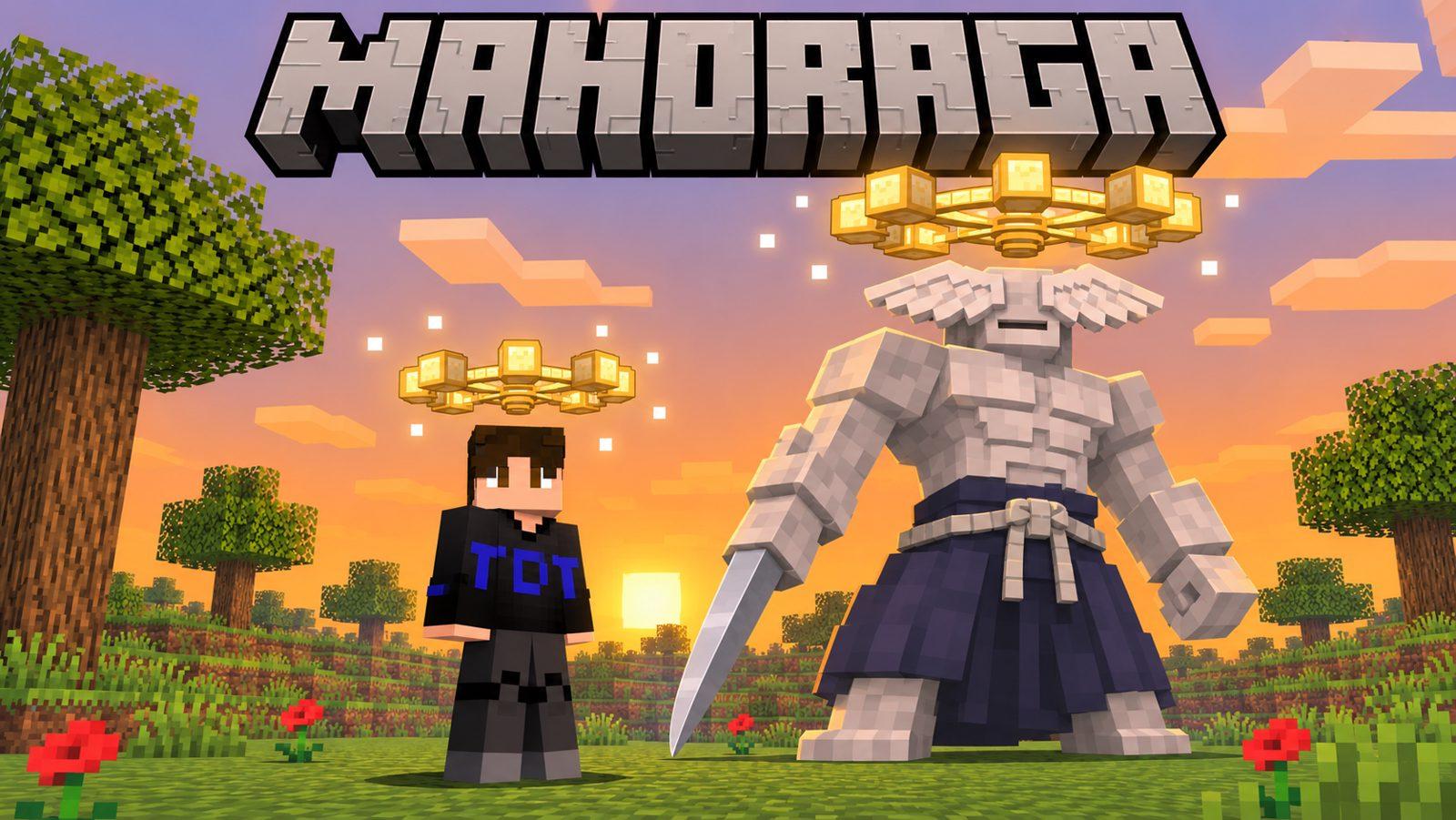
Mahoraga never loses to the same trick twice. Wear the Wheel of Adaptation and you won't either: every hit you survive gets analyzed, the wheel above your head turns, and after five turns that kind of damage can't touch you anymore.
You need the datapack and its resource pack. No mods, no OptiFine.
Which edition do you play?
Java Edition: choose the datapack ZIP and its resource pack (1.21.11 – 26.4). No mods. The Java instructions and screenshots below describe the datapack.
Bedrock Edition: choose the .mcaddon add-on instead of the Java ZIP. Its controls and limits are in Bedrock add-on near the end of this page.
Java datapack: quick start
- Download both ZIPs. Don't extract them.
- Put the datapack in
world/datapacksand turn on the resource pack in Options → Resource Packs. - Restart the world (leave and join again).
/reloadis not enough, because the pack adds new enchantments. - Craft the wheel, or press
Esc→ Wheel of Adaptation → Get a Wheel (needs cheats). - Right-click to wear it. Now go get hurt.
What you get
Every kind is its own fight
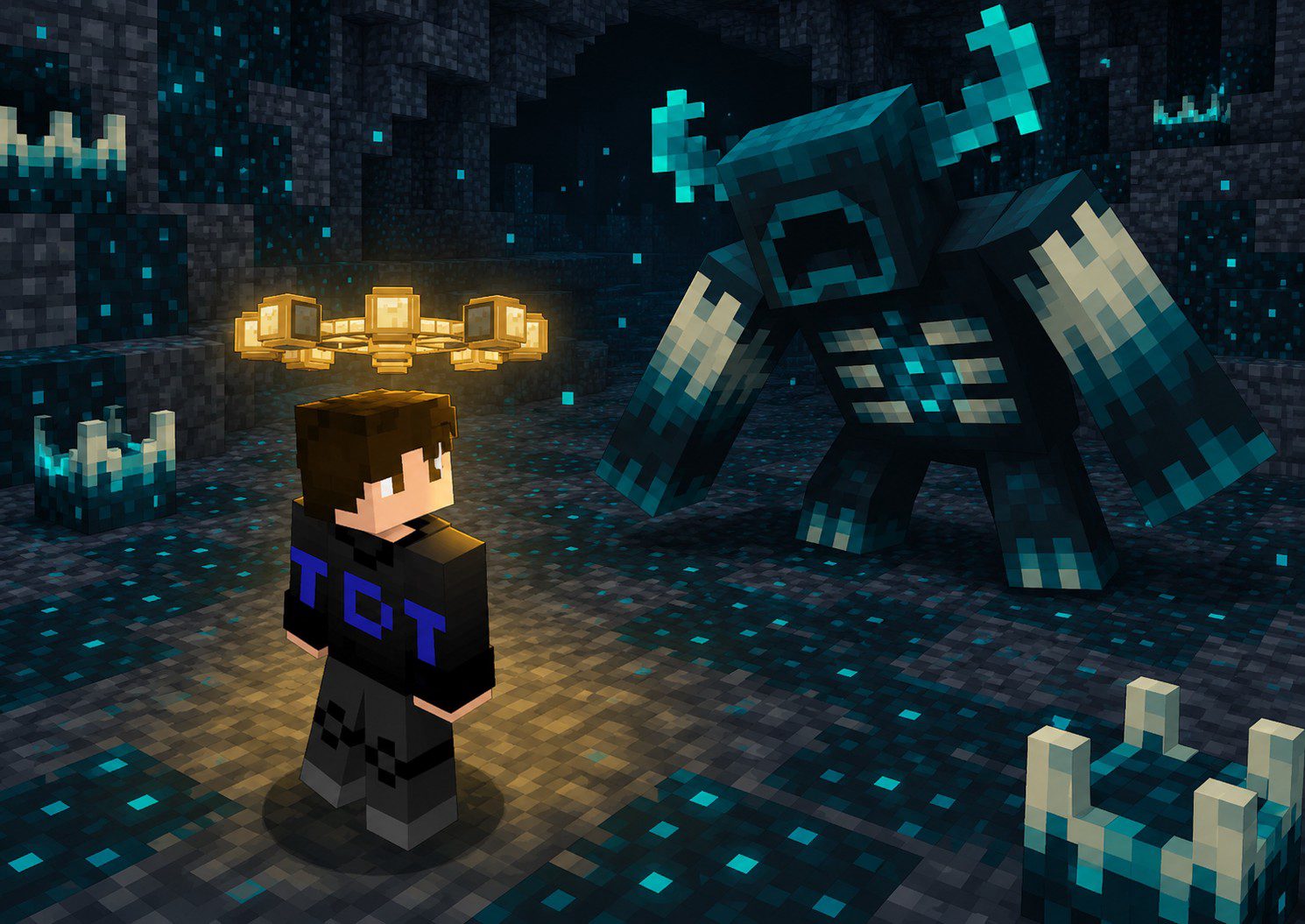
Zombies, spiders, the Warden, swords, axes, arrows, tridents, lava, fire, falling, drowning, explosions... 47 kinds of damage, each one analyzed on its own. A husk with a sword teaches the wheel about swords, not zombies.
Harmful effects too
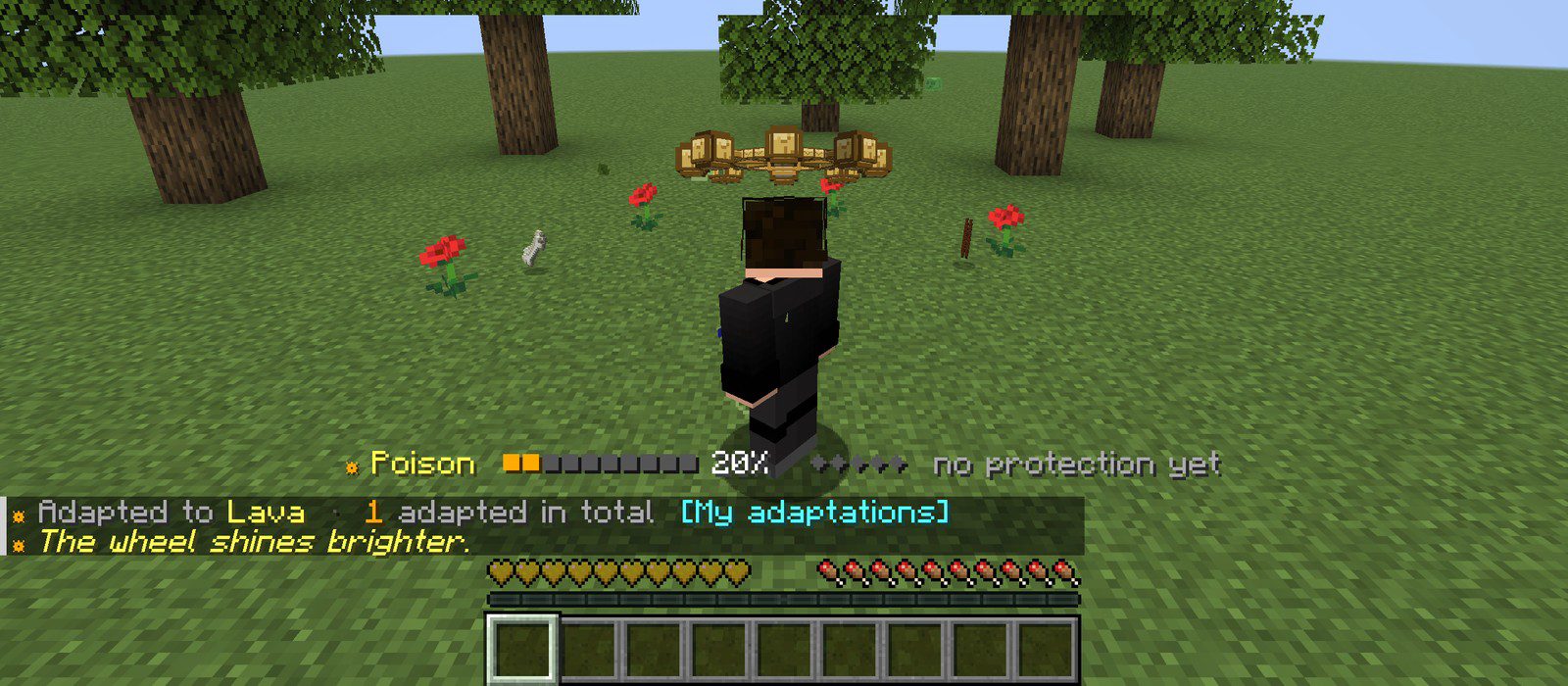
Poison, Wither, Slowness, Weakness, Blindness, Darkness, Nausea, Hunger, Levitation, Mining Fatigue and the trial chamber effects. Each one is adapted to separately.
The wheel turns
When the analysis is full, the wheel above your head lights up and turns one notch, with a sound and a burst of light, and heals you a bit.
Five turns: immune
Each turn takes 16% off that damage. The fifth turn makes you immune: no damage, no knockback, no poison from the cave spider's bite.
How adaptation works
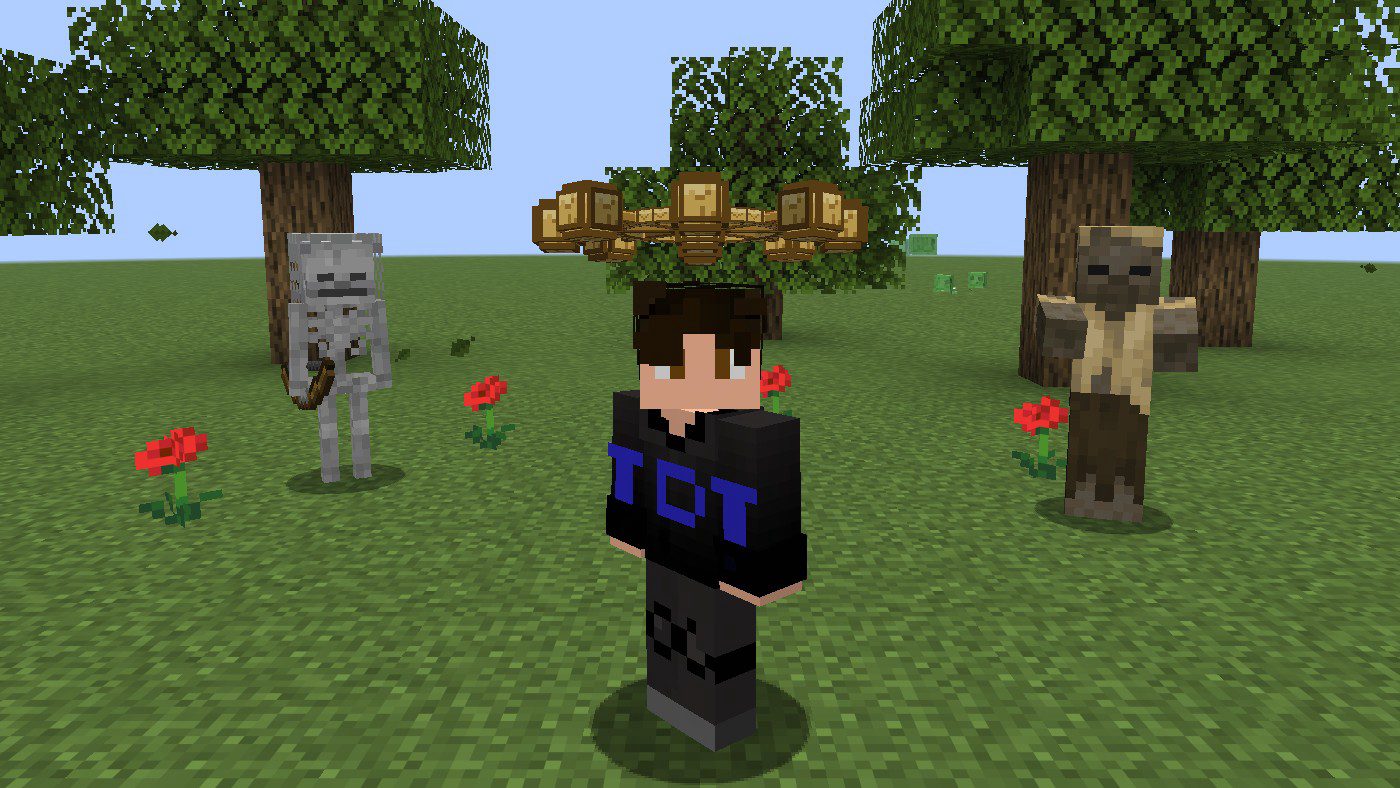
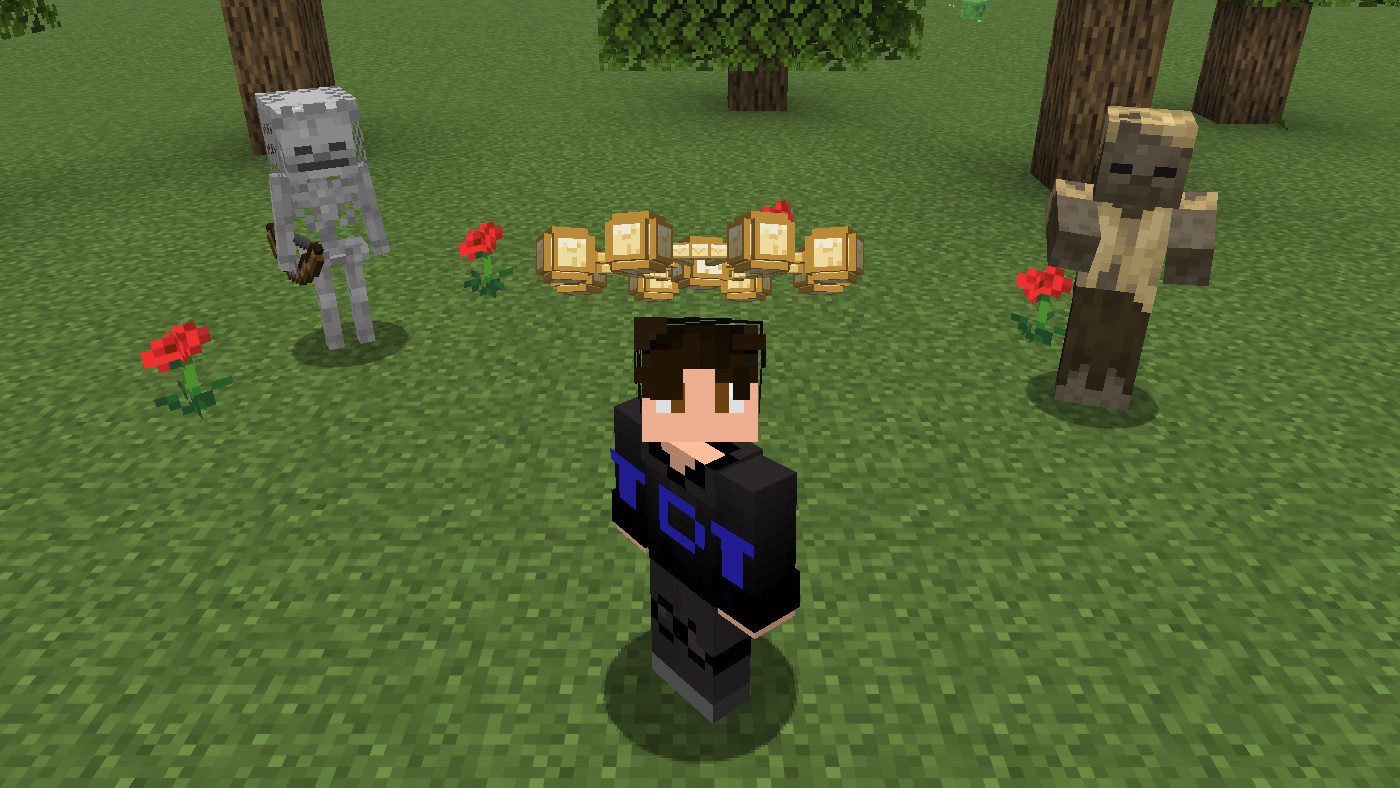
- Wear the wheel on your head. It floats a little above you, like Mahoraga's.
- Take a hit and survive it. A hit that kills you teaches the wheel nothing.
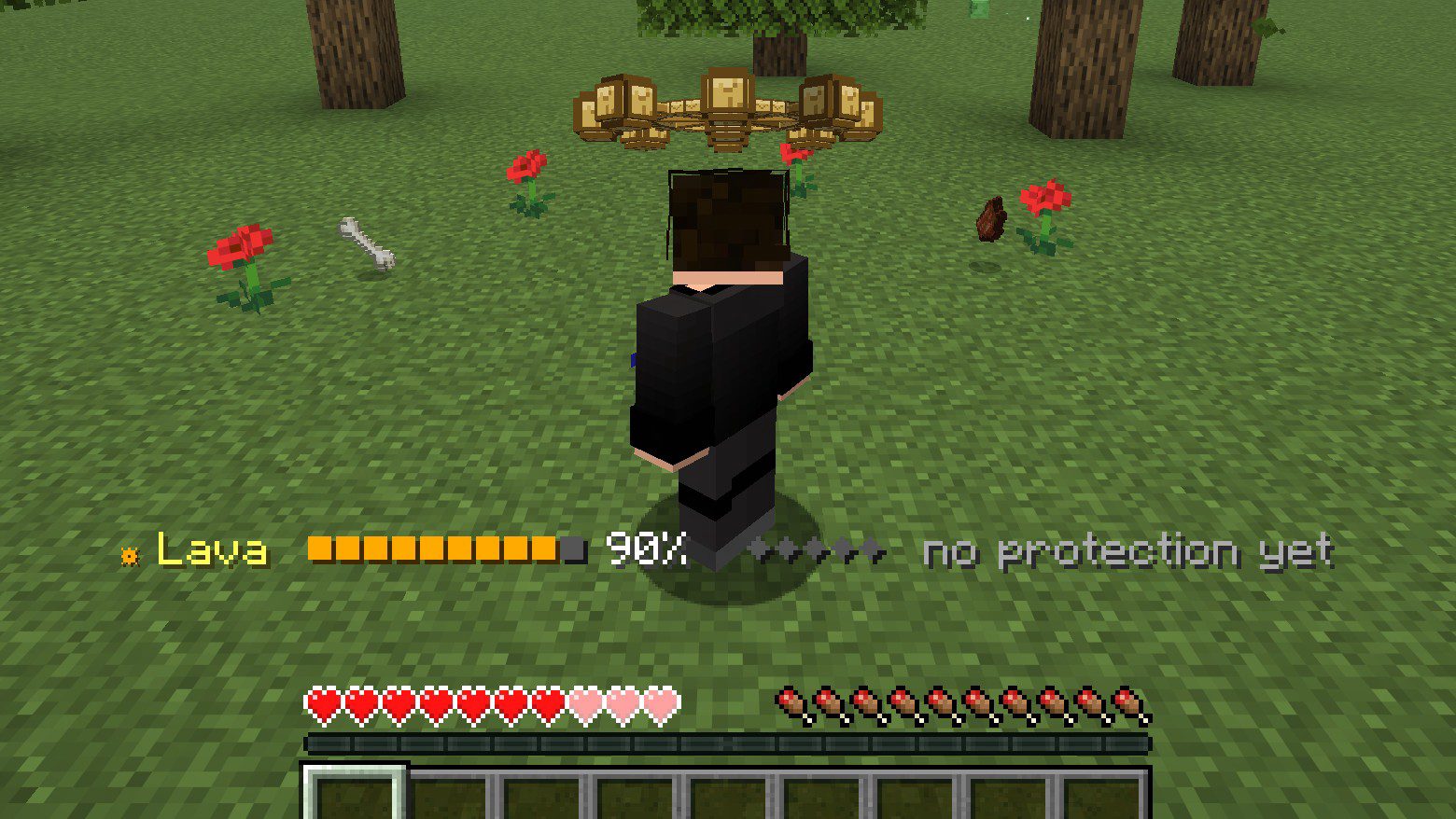
- The bar above your hotbar shows what was hit and how far the analysis is:
☸ Lava ■■■□□□□□□□ 30% ◆◇◇◇◇ -16% damage. - When the bar is full, the wheel turns one notch. Five notches and that kind is done: ADAPTED.
| Turns | Damage of that kind | Harmful effect of that kind |
|---|---|---|
| 0 | Normal | Normal |
| 1 | -16% | Removed at the turn, then lasts 16% shorter |
| 2 | -32% | Lasts 32% shorter |
| 3 | -48% | Lasts 48% shorter |
| 4 | -64% | Lasts 64% shorter |
| 5 | Immune | Removed the moment it lands |
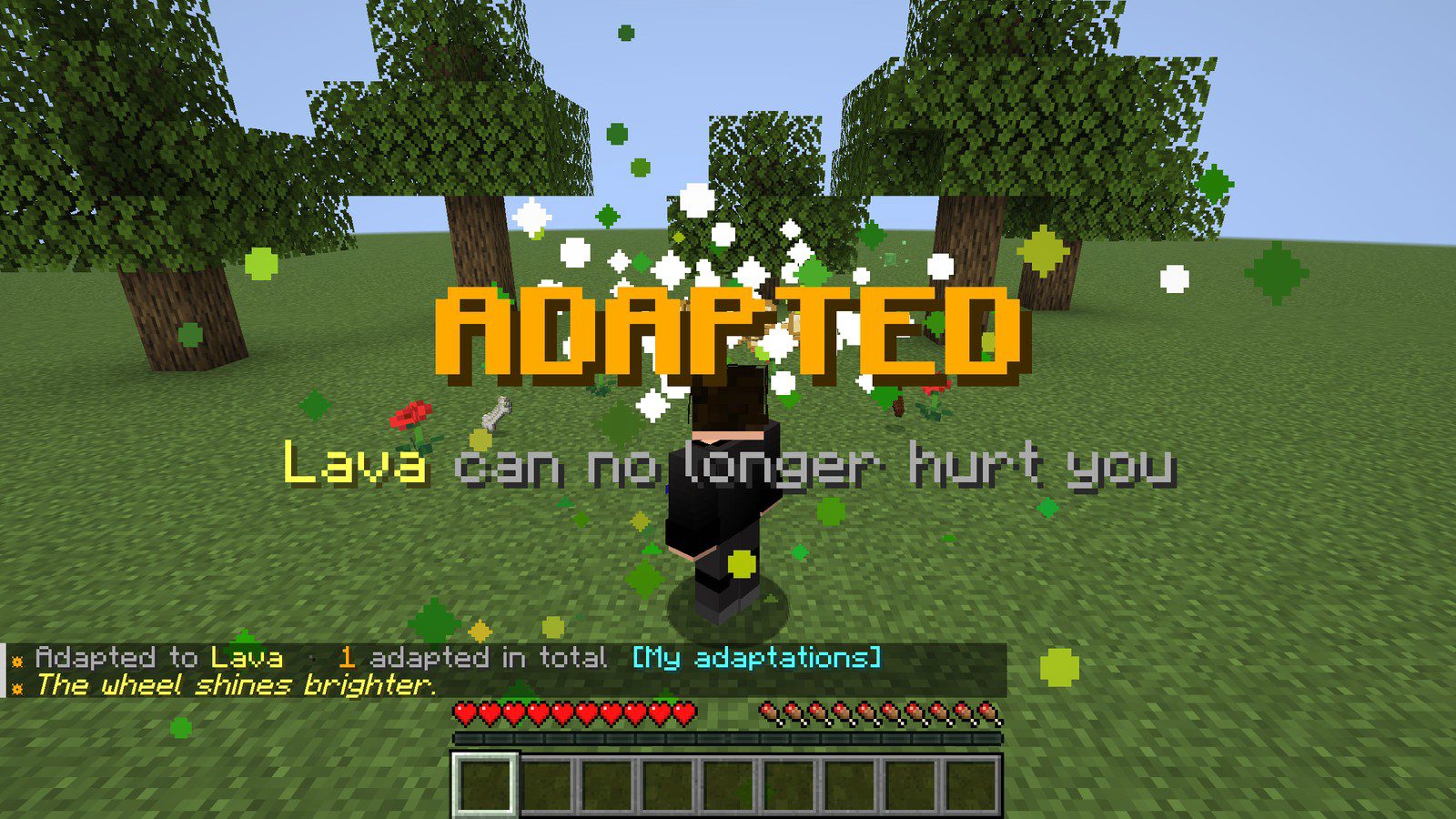
Bigger hits fill the bar faster. Tough enemies take more hits per turn: a slime is easy, a sword takes longer, the Warden and the Ender Dragon take the longest. And since every turn lowers the damage, the later turns are slower than the first.
Harmful effects work the same way. Every time one lands on you, it counts like a hit:
The wheel shines brighter
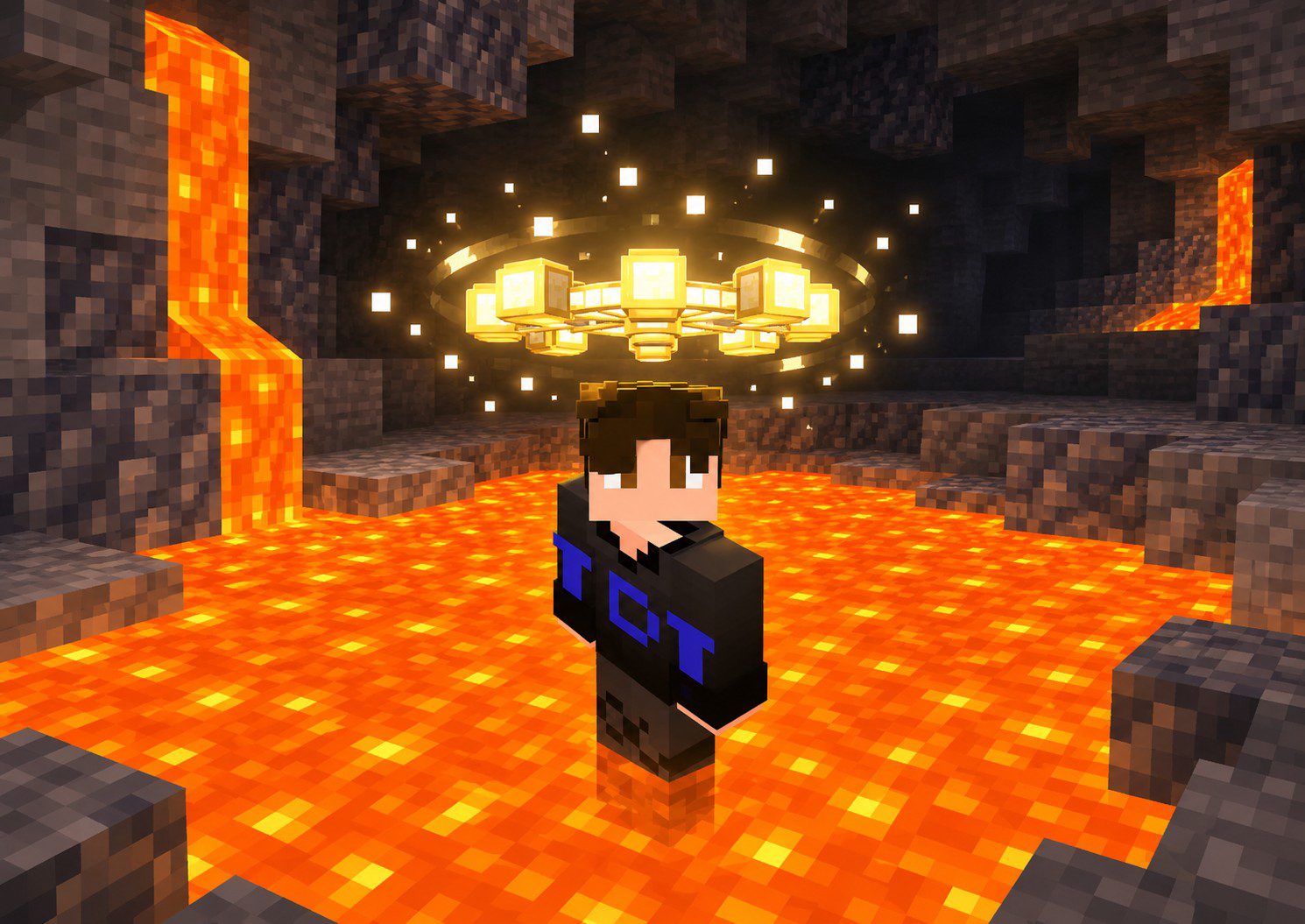
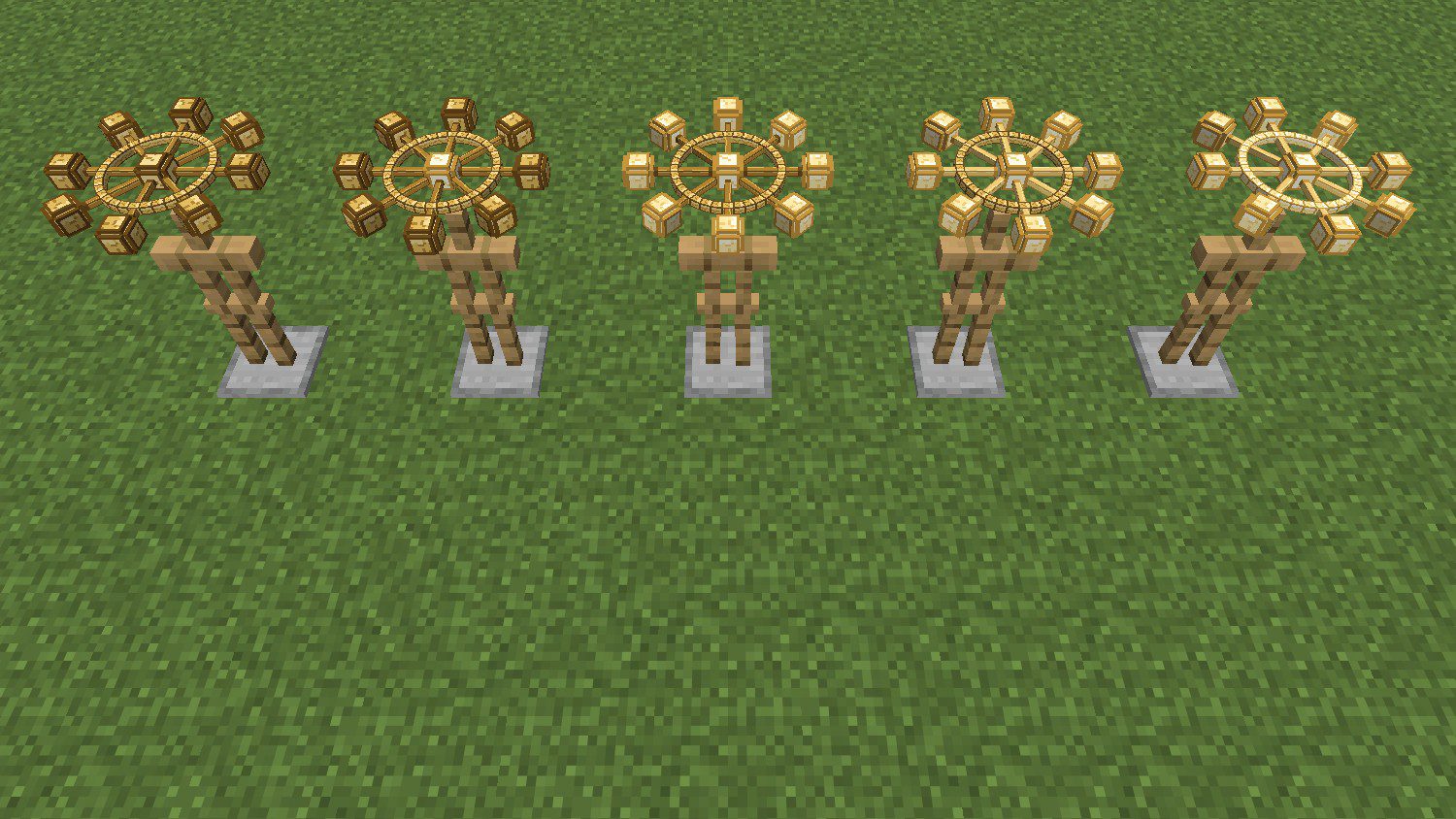
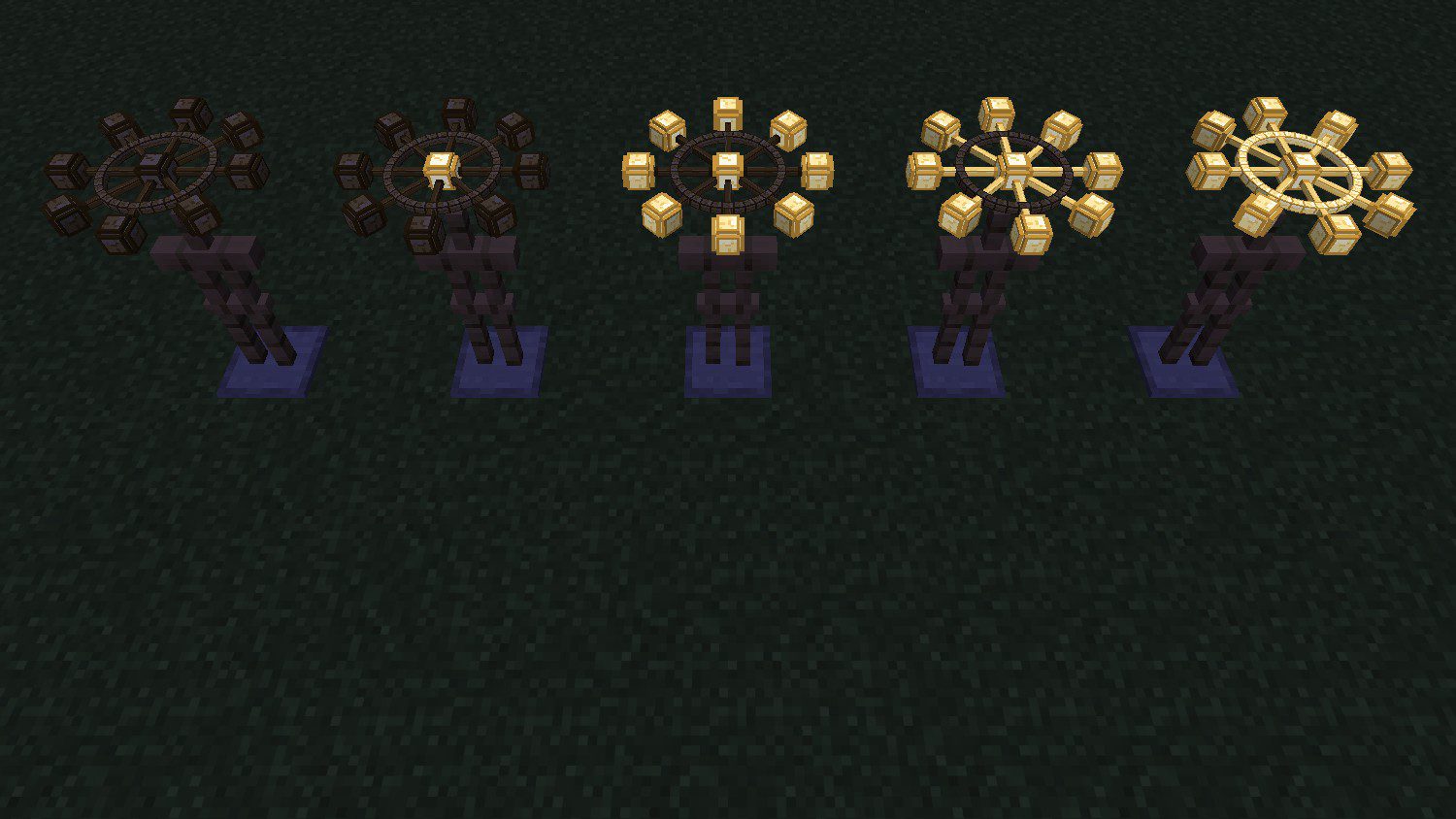
The more kinds of damage and effects you have fully adapted to, the more the wheel glows when it rests: first the hub (1), then the balls (3), the spokes (6) and finally the whole ring (10). While it turns, it lights up completely, day or night.
See what it has learned
Click [My adaptations] in chat, press Esc → Wheel of Adaptation → My adaptations, or type /trigger tdt_mahoraga.list. Every player can use it, no cheats needed. You get one line per kind:
 ◆◆◆◆◆ Lava  immune
 ◆◆◇◇◇ Swords  40%  -32% damage
 ◆◇◇◇◇ Poison  70%  16% shorter
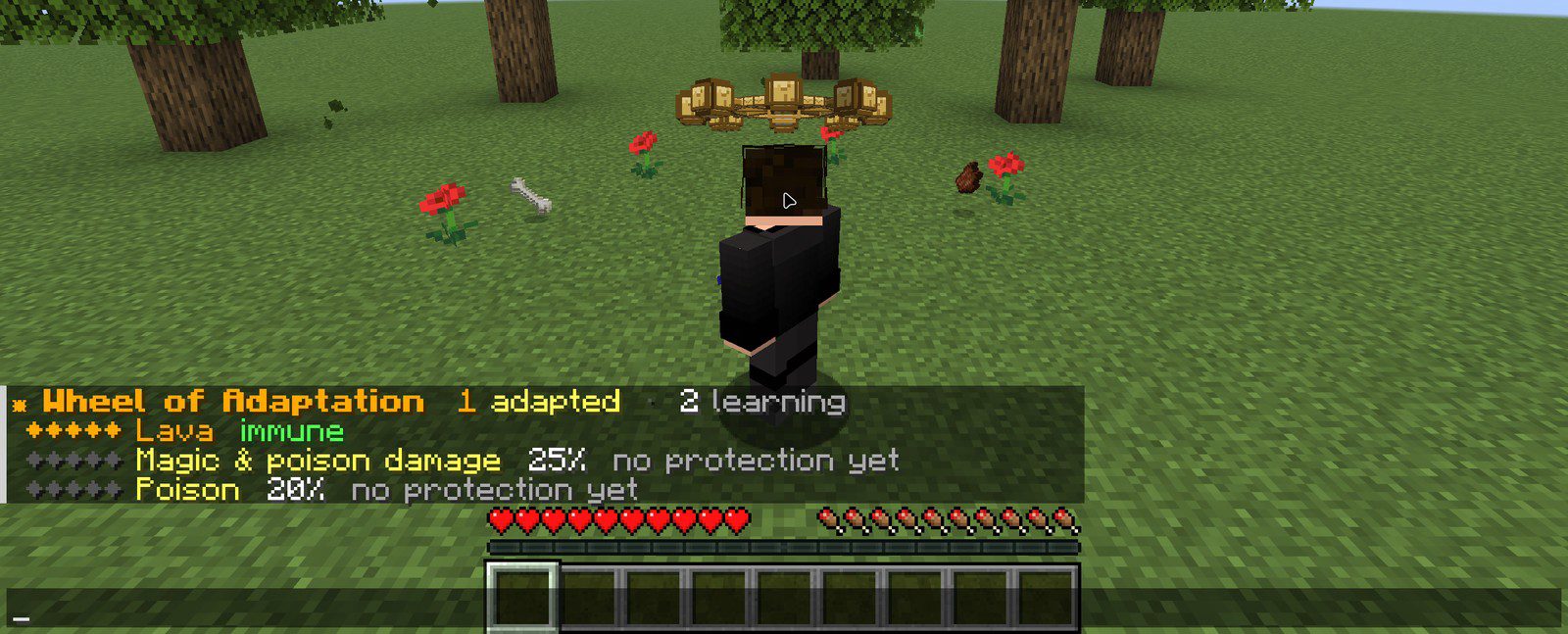
The wheel's tooltip lists them too.
The adaptations live on the wheel
Everything the wheel learns is stored on that wheel. Take it off and you're a normal player again; put it back on and it remembers. Hand it to a friend and they get all of it. If you die, it drops like any other item, so don't lose it.
Getting a wheel in survival
Shaped recipe on a crafting table:
| Gold Block | Echo Shard | Gold Block |
| Echo Shard | Nether Star | Echo Shard |
| Gold Block | Echo Shard | Gold Block |
Requirements
| Edition | Java Edition only |
| Versions | 1.21.11 to 26.4 |
| Mods | None |
| Resource pack | Required (the 3D wheel) |
| Multiplayer | Works on servers, every player can wear their own wheel |
Only the player wearing the wheel is affected. Without it, the game plays exactly as normal.
Settings and removing the pack
Press Esc and open Wheel of Adaptation: it explains the wheel and has My adaptations, Get a Wheel and Uninstall. Uninstall deletes the pack's scoreboards and data; then remove both packs and restart the world. Wheels you still have turn into plain clocks.
Bedrock add-on
One .mcaddon for Bedrock 1.20.80 and newer, with a behavior pack and a resource pack. No experimental toggles.
- Open the
.mcaddon. Minecraft imports both packs. - Edit your world → Behavior Packs → activate Mahoraga: Wheel of Adaptation. The resource pack is added with it.
- Craft the wheel with the same recipe, or take it from the Equipment tab in Creative, and wear it on your head.
Same rules as Java: 47 damage kinds and the harmful effects, 16% per turn, immune after 5 turns, adaptations saved on the wheel and listed in its tooltip. What is different:
- There is no settings menu. With cheats on,
/scriptevent tdt_mahoraga:listlists your adaptations in chat. - Bedrock can't cancel a hit on 1.20.80, so the wheel heals back the adapted part right after it lands. One huge hit bigger than your current health can still kill you.
- The wheel doesn't glow in the dark; its texture just gets brighter.
Recorded checks: clean loading on Bedrock Dedicated Server 1.20.80.05 and 1.26.66.1, and the adaptation logic in a script stub. The wheel model and its turn animation have not been checked in a Bedrock client yet. See Microsoft's Bedrock add-on guide for import steps on each device.
FAQ
I installed it but nothing happens
Restart the world after adding the datapack. The pack registers new enchantments, and Minecraft only loads those when the world starts.
The wheel is a purple and black cube
The resource pack is missing or turned off. Turn it on in Options → Resource Packs.
Can it adapt to the void or /kill?
No. Void damage, /kill and the world border are left out on purpose: being immune to the void would mean falling forever.
Why didn't my hit count?
The hit has to be one you survive, and you have to be wearing the wheel when it lands. Hits blocked by a shield don't count either.
Does it reset when I die?
No. The adaptations stay on the wheel item. Pick it back up and put it on.
Ready to play?
Choose your edition, platform and Minecraft version:
First time? How to install datapacks and resource packs
Gameplay & Showcases
Watch the features in action, playthrough tutorials, and boss showcases.

Find more Minecraft showcases on the YouTube channel.
Open channel ↗Changelog
Bedrock 1.0Latest3 downloads
Bedrock add-on edition for Bedrock 1.20.80 and newer. Java builds stay available below.
1.21.11-26.422 downloads
First release.
- Wheel of Adaptation worn on the head, a 3D wheel floating above you.
- 47 kinds of damage and 14 harmful effects, each adapted to on its own.
- 5 turns per kind: 16% less damage (or a shorter effect) per turn, immune after the fifth.
- Hits that kill you teach nothing.
- Analysis bar, ADAPTED title, list of adaptations, the wheel shines brighter as it learns.
- Recipe: 4 gold blocks, 4 echo shards, 1 nether star.
Something broken, or an idea for this pack?Report a bugSuggest a feature
Comments
Loading comments…

Author
TheDemonTuan
I build vanilla Minecraft datapacks, then show them off on YouTube.
Related articles

Java · Datapack, Bedrock · Add-onMC 1.21.11 – 26.4
Gojo: Infinity (Jujutsu Kaisen) – Java Datapack and Bedrock Add-on
1 view

Java · Datapack, Bedrock · Add-onMC 1.21.11 – 26.4
Sukuna: King of Curses (Jujutsu Kaisen) – Java Datapack and Bedrock Add-on
8 views

Bedrock · Add-on, Java · DatapackMC 1.21.11 – 26.4
Shadow Monarch: Arise (Solo Leveling) – Java Datapack and Bedrock Add-on
6 views

Bedrock · Add-on, Java · DatapackMC 1.18 – 26.3
Saitama One Punch Man Datapack & Add-on for Minecraft
59 views61 downloads4 comments