

On this page15 sections
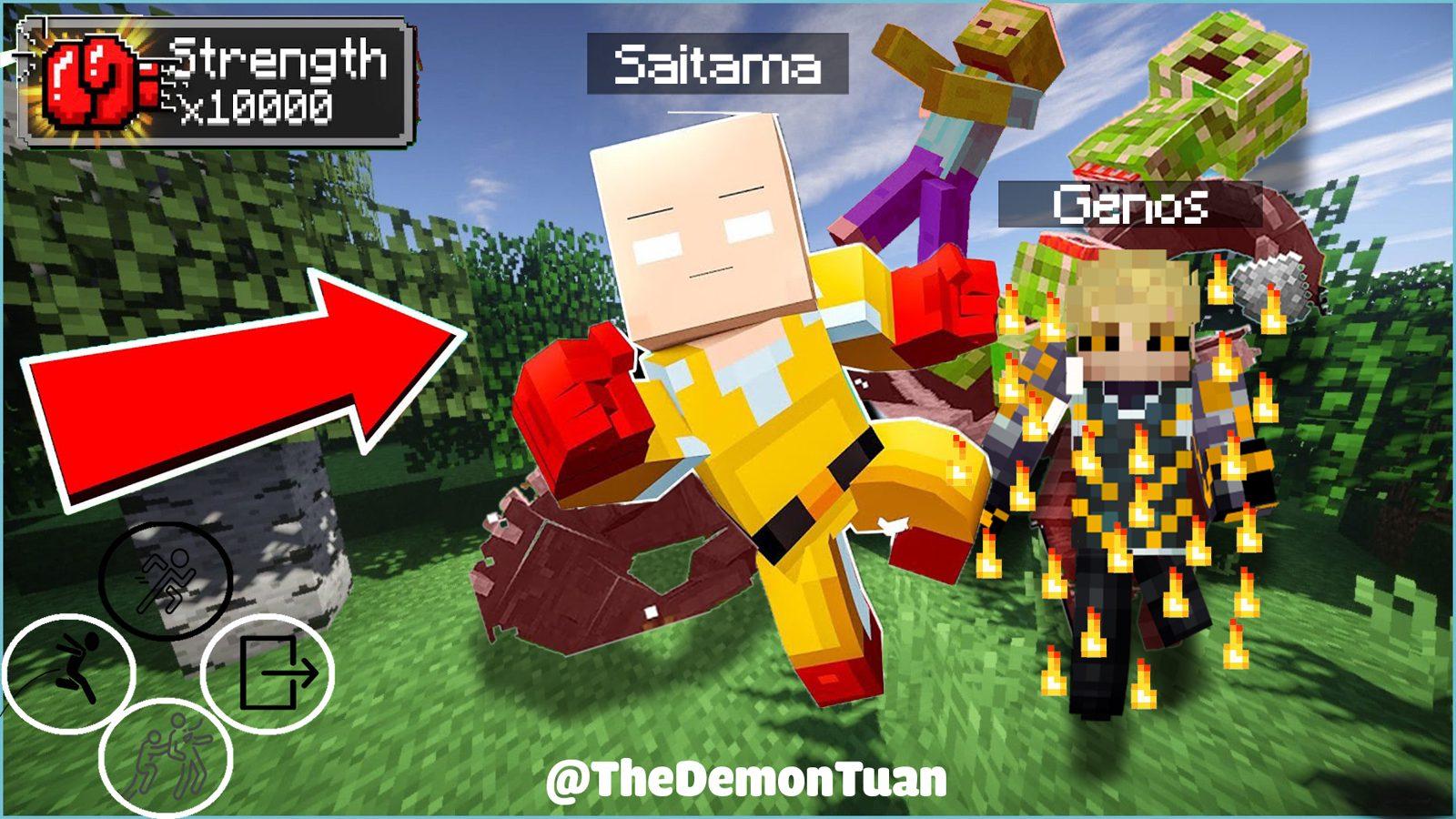
One punch is all it takes. This pack turns you into Saitama from One Punch Man: punches that send mobs flying across the map, a table flip that rips real terrain out of the ground, Genos fighting at your side and Lord Boros waiting for a rematch. It runs on plain Minecraft Java Edition from 1.18 to 26.3, with one datapack and one resource pack. No mods.
Which edition do you play?
Java Edition: choose the datapack and resource pack for your version (1.21.5 – 26.3 or 1.18 – 1.21.4). No mods. The Java instructions and screenshots below describe the datapack.
Bedrock Edition: choose the .mcaddon add-on instead of the Java ZIP. Its controls and limits are in Bedrock add-on near the end of this page.
Java datapack: quick start
- Download the datapack and resource pack for your Minecraft version (1.21.5 – 26.3 or 1.18 – 1.21.4). Don't extract them.
- Put the datapack in
world/datapacksand the resource pack inresourcepacks, then turn the resource pack on. - Join the world, run
/reloadand open Saitama Settings (Escmenu on 1.21.6+, chat button on older versions) to get the suit and gloves. - Pick a hotbar slot from 0 to 7 and right-click to punch. Slot 8 opens the utility menu.
What's inside
8 punch modes
Weak, Normal, Serious, Stun, Bargain Day, Table Flip, Death Punch and Sideways Jumps. Each hotbar slot is one mode.
3D models
Saitama's yellow suit and red gloves, plus animated models for Genos and Lord Boros.
Real destruction
Mobs fly hundreds of blocks, arrows bounce off you and whole chunks of terrain get torn out of the ground.
Sounds and effects
Custom punch sounds, anime themes and a dark red 死 ("death") flash across the screen.
Utility powers
Super Speed, a charged Super Leap with its own gauge, and BackStab teleports.
Ally and boss
Call Genos to fight with you, or take on Lord Boros with his 1,000 HP.
Requirements
You need both packs. The datapack runs the powers; the resource pack adds the models, sounds and the font used by the on-screen gauge.
| Edition | Java Edition only |
| Versions | 1.18 to 26.3 (two downloads: 1.21.5 – 26.3 and 1.18 – 1.21.4) |
| Mods | None |
| Datapack | Required, goes in world/datapacks |
| Resource pack | Required, goes in resourcepacks and must be turned on |
Which download do I need?
| Your Minecraft | Download |
|---|---|
| 1.21.5 – 26.3 | Saitama Datapack + Resource Pack 1.21.5 – 26.3 |
| 1.18 – 1.21.4 | Saitama Datapack + Resource Pack 1.18 – 1.21.4 |
Older versions
- 1.18 – 1.21.1: the suit's Saitama skin needs OptiFine. Without it the suit shows as yellow leather armor, and every power still works.
- 1.19.4 – 1.20.1: Minecraft marks the resource pack as "made for an older version". Turn it on anyway, it works.
Getting the suit and gloves
Wear the Saitama Suit and hold the Gloves to unlock everything. There are three ways to get them:
Settings menu
Press Esc → Saitama Settings → Get Saitama Suit and Get Saitama Gloves. Before 1.21.6, click [Saitama Settings] in chat after /reload instead.
Commands
Run /function tdt_saitama:give_suit and /function tdt_saitama:give_gloves.
Survival altar
Build the altar below and offer up a set of leather armor. No cheats needed.
The survival altar
- Place an Enchanting Table and put an Armor Stand on top of it.
- Place 8 Magma Blocks: 4 on the floor at the sides and 4 on the diagonals at waist height.
- Place 4 Gold Blocks around the outside.
- Drop a full set of Leather Armor onto the Gold Blocks, within 2.5 blocks of the stand.
Lightning strikes, the armor stand floats for about 8 seconds and then turns into the Saitama Suit. Right-click the spot where it appears to put the suit on and get the gloves.
Passive powers
As long as you wear the suit (or hold the gloves in your off hand) you have:
Resistance 201
Mobs, explosions and falls can't hurt you.
Fire Resistance
Fire, lava and blazes do nothing.
Speed III and Jump Boost
You run faster and jump higher.
Night Vision
Caves and the ocean stay bright.
No knockback
Nothing can push you around.
Take the suit off, or run /function tdt_saitama:clear_tag, to remove all of these.
| Input | What happens |
|---|---|
| Left-click a mob | Hits it with the mode in your current hotbar slot |
| Right-click | Uses that mode's ranged or area attack |
Punch modes (slots 0–7)
Switch modes by changing hotbar slots. The current mode is shown on the actionbar.
Weak Punch
Weak Mode
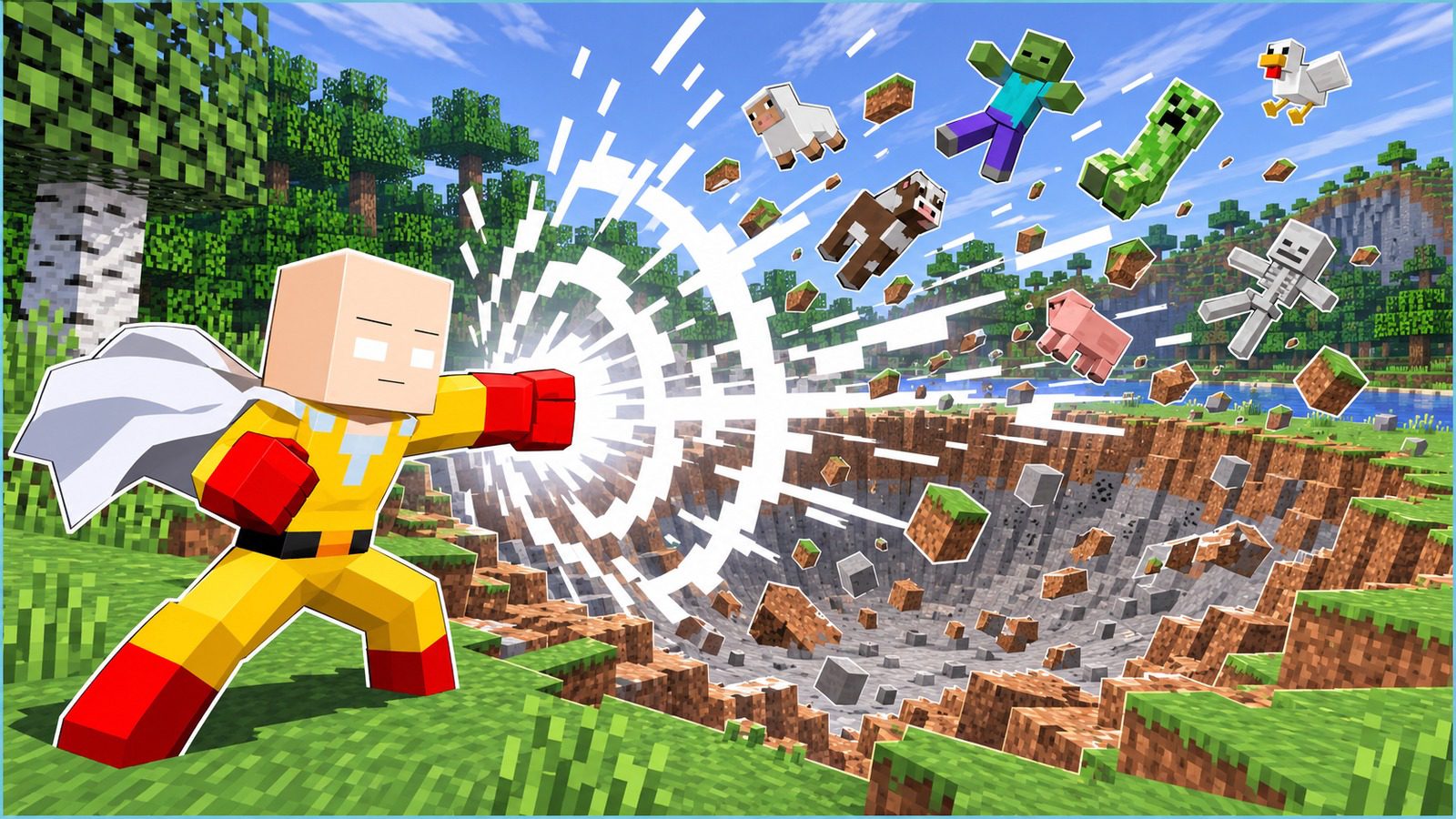
A 13-block blast that goes straight through everything, cutting a small tunnel and killing whatever is in the way.
Normal Punch
Normal Mode
A burst of flame, smoke and crits that sets off TNT when you punch near blocks. Mobs you hit fly off in the direction you're looking and explode when they land, with a 20-block blast.
Serious Punch
Serious Mode
A shockwave that travels up to 640 blocks, kills mobs within 25 blocks of its path and leaves a crater 32 blocks wide.
Stun Punch
Disarm
Pulls every mob within 16 blocks into a vortex, knocks their weapons out of their hands and freezes them for 7.5 seconds while their camera spins.
Bargain Day Market Punch
Flattens a 51×3×51 area, throws every mob within 45 blocks into the sky and blows them up with a 30-block blast when they come down.
Serious Table Flip
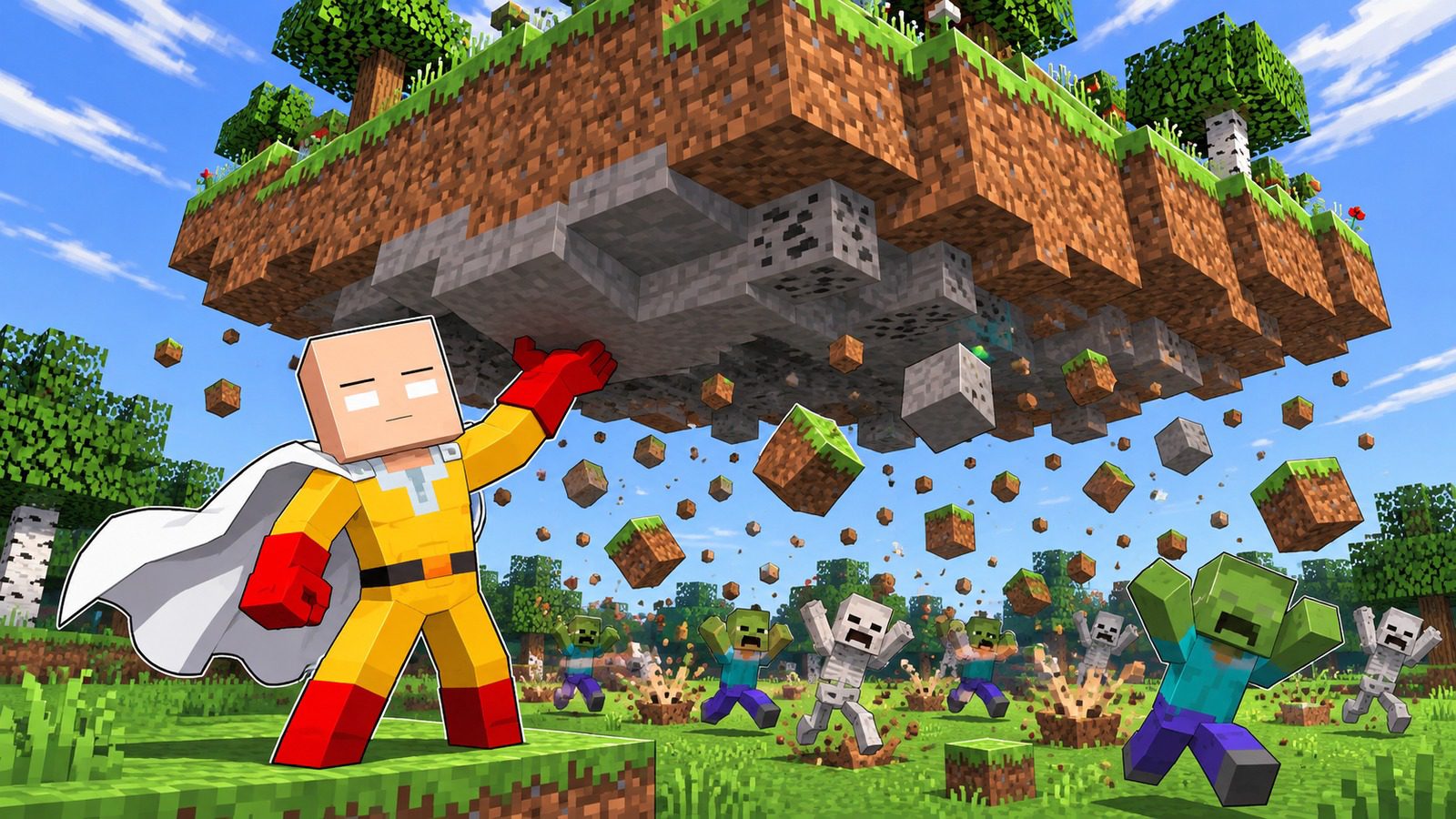
Lifts a 48×48×48 chunk of terrain 31 blocks into the air in a single tick and rains the real blocks down on nearby mobs.
Death Punch
Backstab & Kanji Flurry
Teleports behind a target up to 100 blocks away, flashes 死 on your screen, juggles it through a five-hit air combo and ends with a Serious Punch.
Serious Sideways Jumps
Afterimage Shield
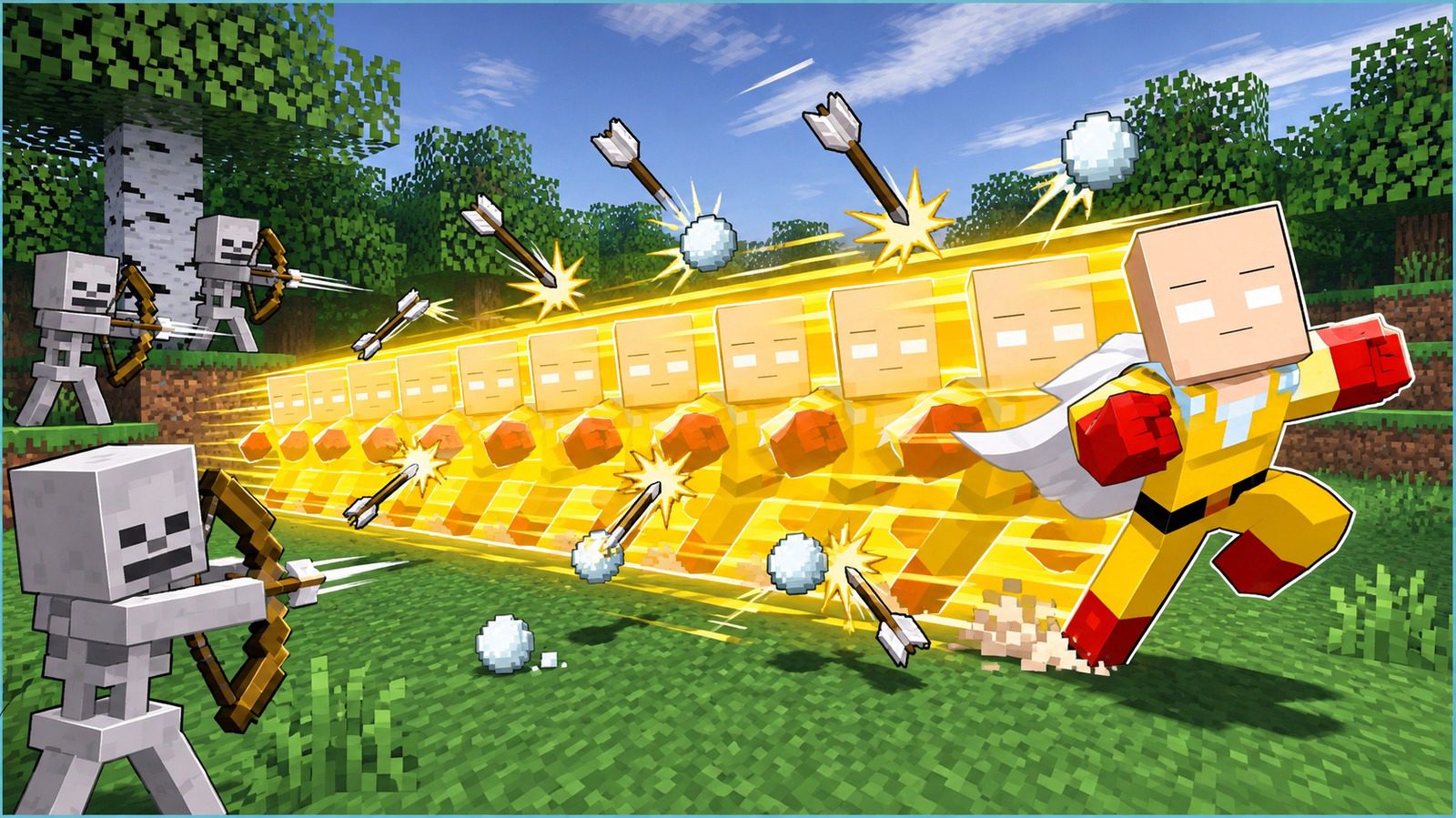
Nine glowing copies of you dash back and forth, knocking away arrows, tridents, snowballs and potions and shredding any mob that touches them.
Utility menu (slot 8)
Select slot 8 and right-click to open the Ability Setting menu. Your hotbar slots now do this instead:
Super Speed
Speed 101. You cross a biome in seconds.
Super Leap
Crouch on the ground to fill the gauge, then jump. Between 6 and 24+ TNT go off under you and send you high into the sky.
BackStabs
In slots 0–4, sneak and right-click to teleport behind a mob up to 80 blocks away.
Summon Genos
A cyborg ally with 1,000 HP and 1,000 attack damage. He fights anything within 60 blocks, then self-destructs with a 20-block blast.
Back to combat
Puts you back on the punch hotbar.
Genos has 6 skills
Teleport Strike, Incineration Ray (a 50-block laser), Aerial Bombardment, Flame Barrage, Machine Gun Blows and Teleport Kick. He picks one at random each time.
Boss fight: Lord Boros
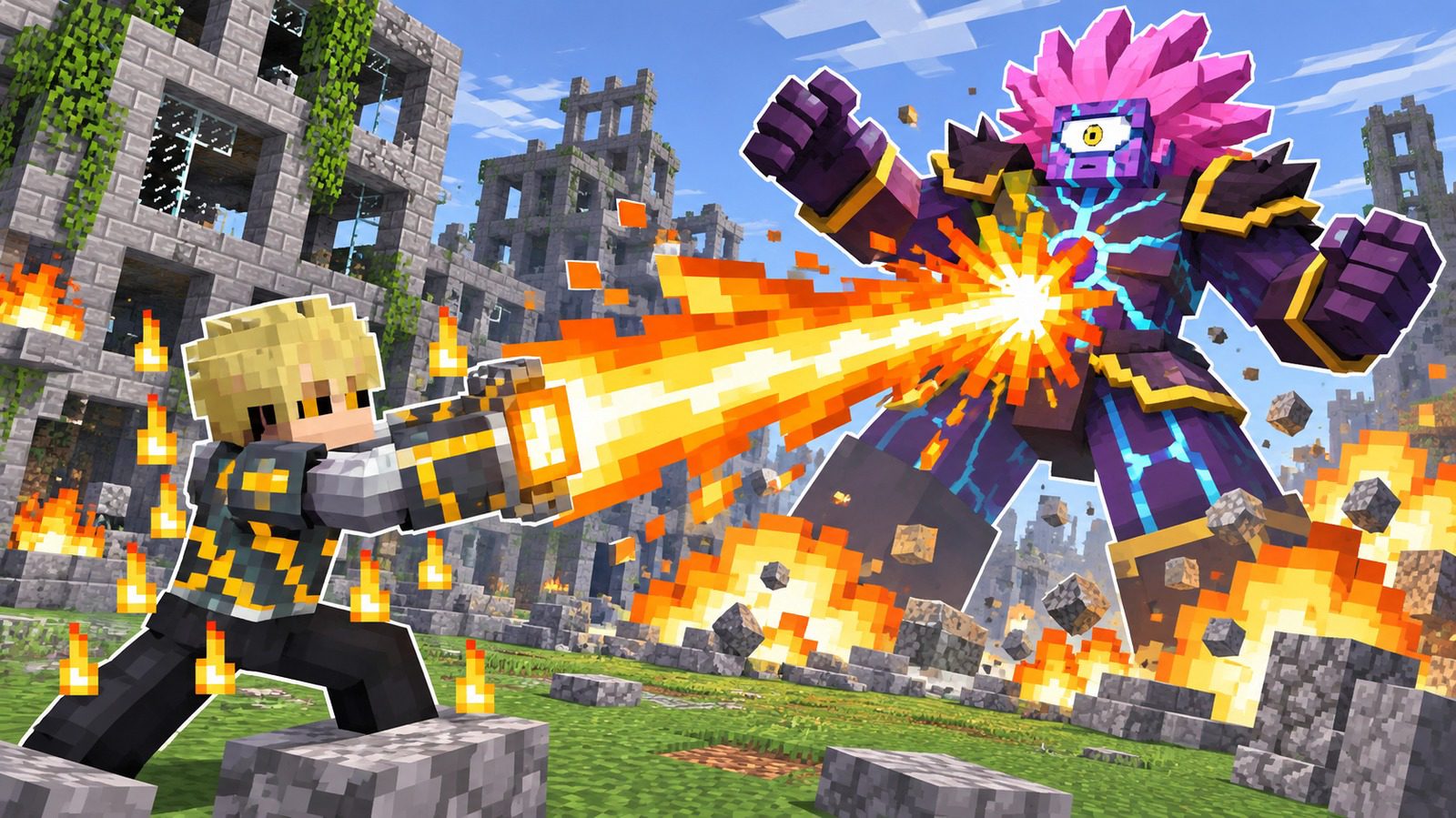
Summon him with cheats on:
/function tdt_saitama:boros/summon
1,000 HP
2,048 attack damage, so one hit kills a survival player. Speed 16, Resistance 11 and Strength 201 on top.
Teleport blasts
Every 3 seconds he teleports and explodes with a 10-block blast. He goes after players and Genos.
How to win
Freeze him with Stun Punch, dodge with Sideways Jumps, then finish him with Serious Punch or Bargain Day.
Settings and multiplayer
Settings menu
Esc → Saitama Settings (chat button before 1.21.6, or /function tdt_saitama:setting): get the suit and gloves, turn hotbar clearing on or off, and find the creator's links.
Hotbar clearing
By default your hotbar items stay put. If something keeps getting in the way of switching modes, turn clearing on with /function tdt_saitama:pickup_toggle and slots 0–8 are emptied every tick.
Multiplayer
Every power runs per player, so a whole server can play as Saitama at once.
Installation
Don't unzip the files
Minecraft loads both packs straight from the ZIP files. If you extract them, the functions, models and sounds won't load.
Singleplayer
- Download both ZIP files for your version with the Download button.
- In Minecraft, select your world → Edit → Open World Folder, open
datapacksand paste the datapack ZIP there. - Go to Options… → Resource Packs… → Open Pack Folder, paste the resource pack ZIP, then move it to Selected.
- Join the world and run
/reload. You'll see a golden welcome message in chat.
Server
- Stop the server.
- Put the datapack ZIP in
world/datapacks/. - Upload the resource pack ZIP somewhere players can download it, and add it to
server.properties:resource-pack=https://your-host.com/saitama-resourcepack-1.21.5-26.3.zip resource-pack-sha1=<sha1_hash> require-resource-pack=true
- Start the server and join.
Removing the pack
- Take off the suit and gloves, then run
/function tdt_saitama:clear_tag. - Run
/datapack disablefollowed by the pack's name (press Tab to fill it in). - Delete both ZIP files from
world/datapacks/andresourcepacks/, then run/reload.
Troubleshooting
| Problem | Fix |
|---|---|
| The gloves look like a carrot on a stick | The resource pack isn't on. Move it to Selected in Options → Resource Packs. |
| Right-click does nothing | The gloves are in your main hand. Right-click once and they move to your off hand. |
| The Super Leap gauge shows boxes | Same fix: turn the resource pack on, it has the font. |
| The suit looks like plain yellow leather armor | On 1.18 – 1.21.1 the suit skin needs OptiFine. On 1.21.2+ turn the resource pack on. |
| Table Flip shows command errors | Run /gamerule max_command_sequence_length 65536 (before 1.21.11: /gamerule maxCommandChainLength 65536). |
| Hotbar items disappear | Hotbar clearing is on. Run /function tdt_saitama:pickup_toggle or turn it off in Saitama Settings. |
Bedrock add-on
One .mcaddon for Bedrock 1.21.0 and newer, with a behavior pack and a resource pack. No experimental toggles.
- Open the
.mcaddon. Minecraft imports both packs. - Edit your world → Behavior Packs → activate Saitama: One Punch Man. The resource pack is added with it.
- Get the suit and gloves from the Equipment tab in Creative, from
/scriptevent tdt_saitama:menu, or from the same survival altar. Craft just the gloves from Leather + Red Dye + Nether Star. - Wear the suit and put the gloves in your off hand (use them in your main hand to put them on).
Bedrock can't detect an empty-hand right-click, so with the gloves in your off hand your hotbar turns into the 8 punch modes plus the Ability Setting menu in slot 8. Your own hotbar items move into your inventory (if it's full they drop on the ground, nothing is deleted) and the mode items disappear when you take the gloves off. Use a mode with right-click / tap; hitting a mob with slot 0, 1 or 2 also punches it with that mode. What is different from Java:
- Serious Punch reaches 160 blocks (Java 640) and explosions are smaller, so Bedrock doesn't freeze.
- Serious Table Flip lifts the 48×48×48 block 31 blocks up and drops it back in place instead of throwing falling blocks.
- Stun Punch removes mob weapons instead of dropping them, there is no "No knockback" setting, and the Death Punch 死 is a title, not a full-screen image.
Recorded checks on Bedrock Dedicated Server 1.21.0.03 and 1.26.66.1: every punch mode, Genos, Lord Boros changing form at 500 HP and the altar ran with no content log errors. The suit, Genos, Boros, mode icons and menus have not been checked in a Bedrock client yet. See Microsoft's Bedrock add-on guide for import steps on each device.
FAQ
Do I need Forge, Fabric or NeoForge?
No. It's a datapack and a resource pack, nothing else.
Does it work with Sodium, Iris or OptiFine?
Yes, those don't change how datapacks or resource pack models work.
Does it work on Bedrock?
No, it's Java Edition only.
Can several players be Saitama on one server?
Yes. Every power runs per player, so nobody gets in anyone else's way.
How do I beat Lord Boros?
Stun and disarm him with Stun Punch, let Genos keep him busy, then finish with Serious Punch.
Can I still die in the suit?
Yes: falling into the void or /kill still works. Resistance doesn't protect you from those.
How do I turn Super Speed off?
Select slot 8 and right-click to open the utility menu, select slot 0 and right-click again.
Is it safe for my survival world?
It doesn't touch world generation, but Serious Punch and Table Flip destroy a lot of terrain. Use them away from your builds, or back up your world first.
Credits
- Made by TheDemonTuan
- YouTube: TheDemonTuan
Ready to play?
Choose your edition, platform and Minecraft version:
First time? How to install datapacks and resource packs
Changelog
Bedrock 1.0Latest4 downloads
Bedrock add-on edition for Bedrock 1.21.0 and newer. Java builds stay available below.
2.1.025 downloads
Two downloads now cover every version from 1.18 to 26.3:
- 1.21.5 – 26.3: datapack + resource pack.
- 1.18 – 1.21.4: datapack + resource pack, rebuilt from the 2023 version.
New
- Works on 1.21.5 – 1.21.10 too (before: 1.21.11 and up). On 1.21.5, Saitama Settings opens from a chat button.
- 1.18 – 1.21.4 get the full pack again: all 8 punch modes, the utility menu, Genos and Lord Boros.
Fixes
- The gloves showed as a purple and black cube on 1.21.11 and up.
- Ability menu icons were cut off on 1.21.6 and up, and two of them were missing on 26.x.
- Genos and Lord Boros spawned with normal health and damage on 1.20.5 – 1.20.6.
- The old version had a missing Normal Punch sound and a missing Lord Boros model.
- The old version's website link pointed to a site that is no longer ours.
Tested in a real game on 1.18.1, 1.18.2, 1.19.2, 1.19.4, 1.20.1, 1.20.4, 1.20.6, 1.21.1, 1.21.3, 1.21.4, 1.21.5, 1.21.6, 1.21.10, 1.21.11, 26.1.2, 26.2 and 26.3.
Known limits
- 1.18 – 1.21.1: the suit skin needs OptiFine. Without it the suit is yellow leather armor.
- 1.19.4 – 1.20.1: the resource pack shows "made for an older version". Turn it on anyway.
- Blocks launched by Table Flip may lose their facing/rotation.
Something broken, or an idea for this pack?Report a bugSuggest a feature
Comments
Loading comments…

Author
TheDemonTuan
I build vanilla Minecraft datapacks, then show them off on YouTube.
Related articles

Bedrock · Add-on, Java · DatapackMC 1.21.11 – 26.4
Mahoraga Wheel of Adaptation: Minecraft Datapack & Add-on
47 views25 downloads

Java · Datapack, Bedrock · Add-onMC 1.21.11 – 26.4
Gojo: Infinity (Jujutsu Kaisen) – Java Datapack and Bedrock Add-on
1 view

Java · Datapack, Bedrock · Add-onMC 1.21.11 – 26.4
Sukuna: King of Curses (Jujutsu Kaisen) – Java Datapack and Bedrock Add-on
8 views

Bedrock · Add-on, Java · DatapackMC 1.21.11 – 26.4
Shadow Monarch: Arise (Solo Leveling) – Java Datapack and Bedrock Add-on
6 views