

On this page6 sections
A file described as “Minecraft content” is not enough to tell you how to install it. First identify Java Edition or Bedrock Edition, then the content type, supported game version and required loader. A .zip extension alone cannot distinguish a datapack from a resource pack.
Datapacks: world data and functions in Java
A Java datapack changes data-driven systems such as recipes, loot, advancements, world generation and command functions. It lives with a world rather than replacing the game executable. A project may pair its datapack with a resource pack for visual or sound assets; install both only when the creator requires them.
“No mod loader required” does not mean “no risk” or “no performance cost.” A function can change blocks, entities and scoreboards. World-generation changes can affect newly generated terrain. Before removing a pack, follow its uninstall instructions and keep a backup; deleting its files is not a universal undo operation.
Resource packs: assets rather than gameplay logic
Resource packs supply assets such as textures, models and sounds. They do not automatically install the functions of a datapack. If a custom ability works but its model looks wrong, check whether the companion resource pack is enabled and whether its supported version matches your game. If nothing happens at all, inspect the gameplay side as well rather than assuming an image file is the cause.
Mods and modpacks: match the loader
Java mods can change code and game systems beyond the datapack interface. Follow the mod's specified loader and version: a file built for Fabric is not interchangeable with a Forge or NeoForge build just because their names mention the same Minecraft version. Some mods are client-only, some server-only and some require both sides. Read the project's instructions instead of installing every file on every machine.
A modpack is a curated collection with its own version and dependencies. Treat its update instructions as a unit; changing one component at random can make troubleshooting harder. Download executable content only from a source you trust.
Bedrock add-ons: behavior and resources
Bedrock add-ons use the Bedrock creator system, including behavior packs and resource packs. Some include scripts and need particular APIs or experimental options. A Java datapack does not become a Bedrock add-on by renaming its extension. Microsoft Learn documents Bedrock installation and the distinction between behavior and resource packs.
A short decision checklist
Before downloading, answer these questions: Which edition am I running? Which exact game version does the project support? Is a loader needed? Does it require a resource pack? Is it stable or experimental? Does the author explain backup and uninstall behavior?
Keep the original world backup outside the active save. Test changes on a copy, especially if the project changes terrain or persistent entities. If instructions contradict the download label, ask the author rather than guessing. These checks prevent a category mistake; they cannot certify an arbitrary third-party download as safe.
Sources and next steps
Read Microsoft Learn: Getting Started with Minecraft Add-Ons for the Bedrock model, and the Minecraft Wiki datapack reference for community-maintained Java context. TDT's installation guide covers Java file placement. This article explains categories, not universal compatibility for every available project.
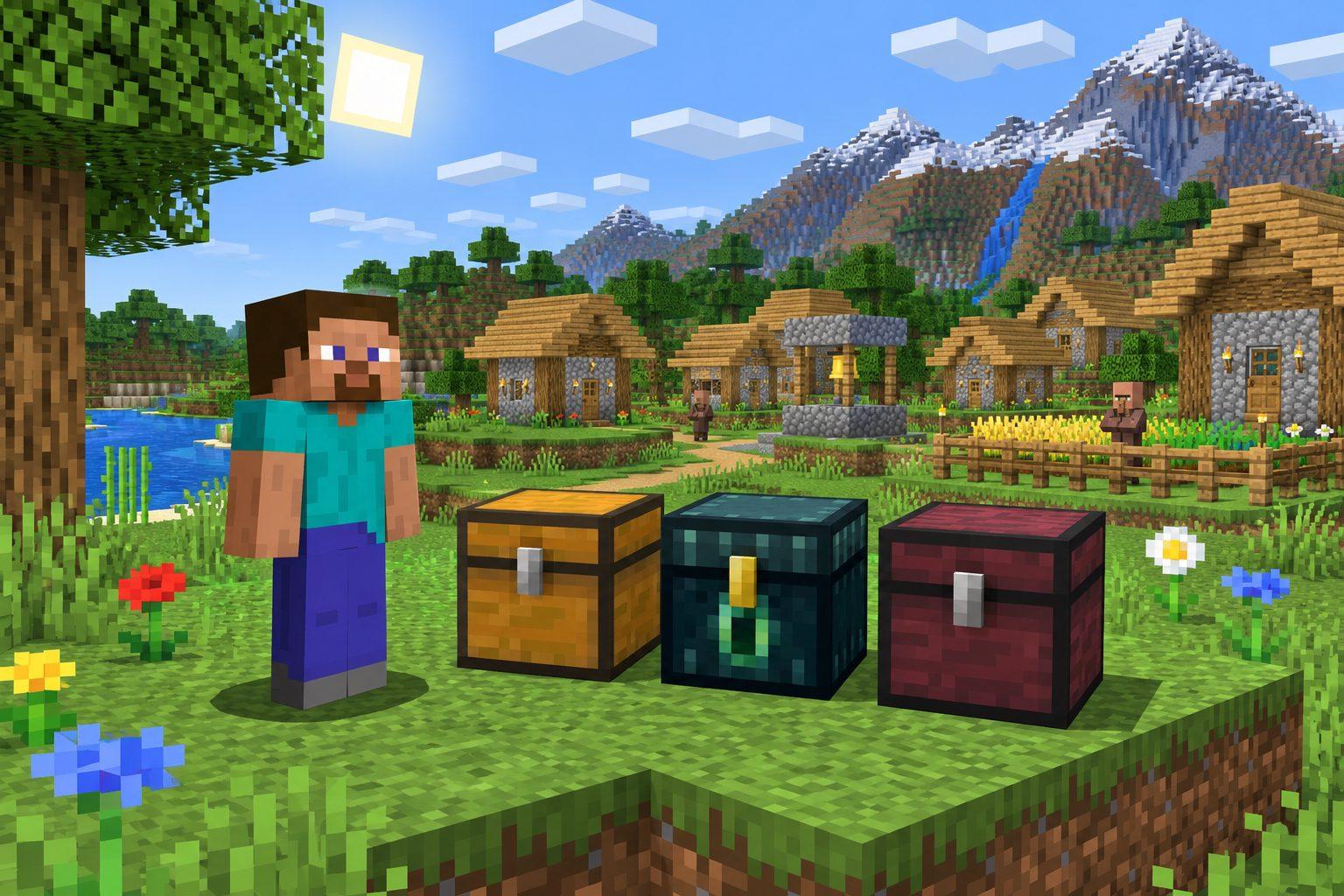
Cover: AI-generated illustration.
Comments
Loading comments…
Author: TDT · AI-assisted
Related articles



Bedrock · Add-on, Java · DatapackMC 1.18 – 26.3
Saitama One Punch Man Datapack & Add-on for Minecraft
59 views61 downloads4 comments

Bedrock · Add-on, Java · DatapackMC 1.18 – 26.4
Double Jump for Minecraft: Java Datapack and Bedrock Add-on
27 views27 downloads