

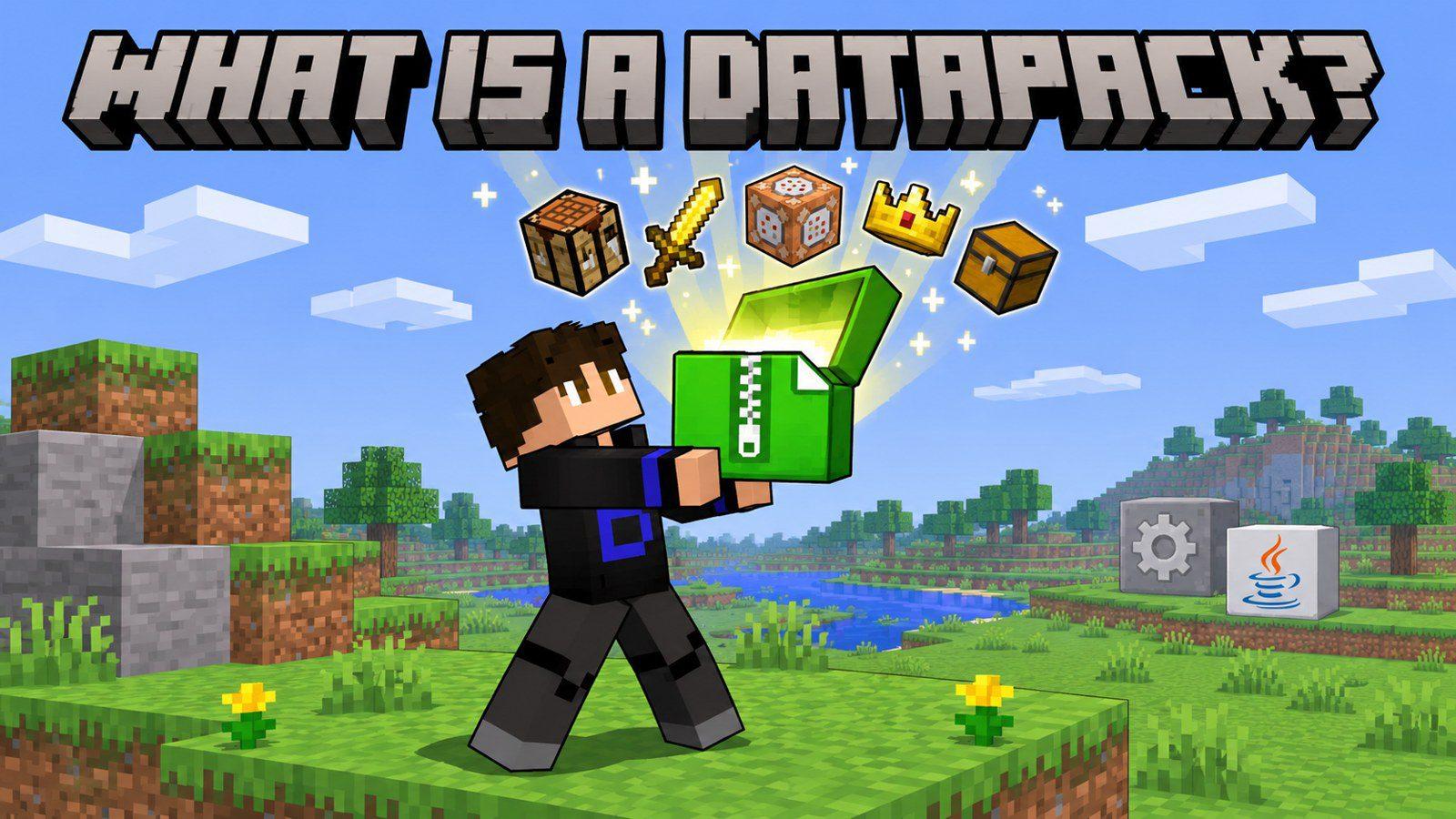
On this page9 sections
A datapack is a ZIP file you drop into a Minecraft world to change how that world plays: new recipes, new loot, new mechanics, even superpowers and boss fights. It needs no mod loader, no special launcher profile and no Java code. Minecraft Java Edition has loaded datapacks on its own since 1.13, so they run on the same game you already play.
The short answer
- Datapack: changes the rules and content of one world, using systems the game already has. Goes in
world/datapacks. Plain Minecraft, nothing else to install. - Resource pack: changes how things look and sound: textures, 3D models, sounds, fonts. Goes in
resourcepacks. Often comes next to a datapack. - Mod: new Java code running inside the game. Needs Fabric, Forge or NeoForge, usually on every player's computer.
What a datapack actually is
Open one up and you find a pack.mcmeta file (the pack's name and the game versions it supports) and a data folder full of plain text files:
my-pack.zip
├── pack.mcmeta
├── pack.png            (optional icon)
└── data/
    └── my_pack/
        ├── function/    commands that run every tick or when something happens
        ├── recipe/
        ├── loot_table/
        ├── advancement/
        └── ...
Before 1.21 those folders had plural names, like functions and recipes. Either way, Minecraft reads them when the world loads (or when you run /reload) and treats them as part of the game. That's why a datapack keeps working next to Sodium, Iris or OptiFine, and why it runs on Paper, Fabric and Forge servers too.
What a datapack can change
Functions
Lists of commands that run every tick, when the world loads, or when a player does something. Custom abilities, bosses and minigames are built from these.
Recipes and loot
Add or replace crafting, smelting and stonecutter recipes, and change what mobs, chests and blocks drop.
Advancements
New goals with their own tab. Packs also use them as triggers, for example "the player just hit a mob".
World generation
New biomes, structures, ore spreads and whole dimensions (1.16.2 and newer).
Items and enchantments
Give items new names, stats and behavior with data components (1.20.5+), and add new enchantments (1.21+).
Menus
Dialog windows, such as a settings menu in the pause screen (1.21.6+).
Put together, that's enough for a lot more than tweaks. My Saitama datapack has eight punch modes, an ally and a boss; ThrowAxe makes every axe throwable; Sword Blocking brings back 1.8 blocking. All of them are plain datapacks.
What a datapack can't do
Datapacks only work with what the game already has, and that sets a few hard limits:
- No brand-new blocks or mobs with their own code. A custom item is a real Minecraft item with new data and, if needed, a new model from a resource pack. A custom mob is an existing mob or a display entity dressed up. Done well you won't notice, but it's still built from vanilla parts.
- No new keys. A datapack only sees what the game tracks: right-click, sneaking, jumping, the selected hotbar slot, hitting a mob. That's why packs use right-click and hotbar slots as their controls.
- No graphics or performance changes. Shaders, minimaps, zoom and FPS boosts all need mods.
- No new screens besides dialogs (1.21.6+), chat buttons and the action bar.
Datapacks vs mods
| Datapack | Mod | |
|---|---|---|
| What you need | Minecraft Java Edition, nothing else | A mod loader (Fabric, Forge or NeoForge), often plus library mods |
| Where it goes | Inside one world: world/datapacks | The whole game: .minecraft/mods |
| On a server | Only the server has it; players join with a normal game | Usually every player needs the same mods |
| What it's made of | Text files the game reads (JSON and commands) | Compiled Java code |
| Safety | Can only do what commands can do inside the game | Runs with full access to your computer, so download only from trusted places |
| After a game update | Often a small update, sometimes none at all | Waits for the loader and the mod to update |
| Power | Limited to what the game exposes | Almost anything |
| Performance | Light when well made; heavy commands every tick can slow the game | Usually faster for heavy logic; mods can also raise FPS |
| Bedrock / Pocket Edition | No (Bedrock has add-ons instead) | No |
Why pick a datapack
- Nothing to set up. No loader, no new launcher profile. Drop one ZIP into your world and play.
- Friends join without installing anything. On a server or LAN world the datapack lives on the host; if it needs a resource pack, a server can send it automatically.
- Easy to try. Back up your world, add the pack, and remove it again if you don't like it.
- Plays well with others. Datapacks run next to mods, shaders, OptiFine, Sodium and other datapacks.
- Keeps up with updates. You can play the newest Minecraft version the day it comes out, without waiting for a mod loader.
When a mod is the better choice
Go for mods when you want brand-new blocks with complex behavior (machines, pipes, tech trees), new graphics or shaders, client features like minimaps and new key bindings, or huge content packs with hundreds of new items. Many players use both: a modded game for performance, datapacks for gameplay.
Where resource packs fit in
A datapack changes what happens; a resource pack changes what you see and hear. Datapacks that add custom items, models or sounds ship a resource pack next to them. Saitama needs one for the suit, the gloves, Genos and the punch sounds. ThrowAxe, Sword Blocking and Double Jump only use vanilla models and sounds, so they're datapack-only.
The two go in different places: the datapack in each world's datapacks folder, the resource pack once in your game's resourcepacks folder. The install guide walks through both.
Is a datapack safe for my world?
A datapack can't touch files on your computer, but inside the world it can do anything commands can: place and break blocks, kill mobs, change your inventory. A pack that blows up terrain will blow up your terrain. So:
- Back up the world before adding a big pack. Copy the world folder from
.minecraft/saves. - Remove it properly. Deleting the ZIP stops the pack, but scoreboards, tags and anything it placed stay in the world. Good packs have an uninstall option; use it before you delete the file.
- Download from the creator. Re-uploads on random sites can be outdated or altered.
FAQ
Do datapacks work on Bedrock or Pocket Edition?
No. Datapacks are Java Edition only. Bedrock has its own system called add-ons (behavior packs and resource packs), which doesn't read datapacks.
Do I need cheats on to use a datapack?
No. A datapack runs on its own once it's in the world. You only need cheats for commands you type yourself, like /reload. If your world has cheats off, leaving and rejoining the world loads new datapacks too.
Do datapacks work on Realms?
Yes. Add the datapack to a singleplayer world, then upload that world to your Realm. Every player turns on the resource pack (if there is one) in their own game.
Will a datapack lower my FPS?
Datapacks run on the game's server side (even in singleplayer), so they affect ticks, not rendering. A well-made pack is barely noticeable. A big resource pack with large textures is more likely to cost FPS.
Will a datapack made for 1.21 work on 1.20?
Usually not. Datapack files change between versions, so every pack lists the versions it supports. Pick the download whose range includes your version; my posts list one download per Minecraft range.
Can I use datapacks with Fabric, Forge or OptiFine?
Yes. Mod loaders, OptiFine, Sodium and Iris all load datapacks the same way vanilla does.
Can I make my own datapack?
Yes, all you need is a text editor. The Minecraft Wiki's data pack page explains the format, and opening an existing pack is a good way to learn.
Ready to try one?
Follow the step-by-step install guide, then pick a pack from the Datapacks page.
Comments
Loading comments…

Author
TheDemonTuan
I build vanilla Minecraft datapacks, then show them off on YouTube.
Related articles


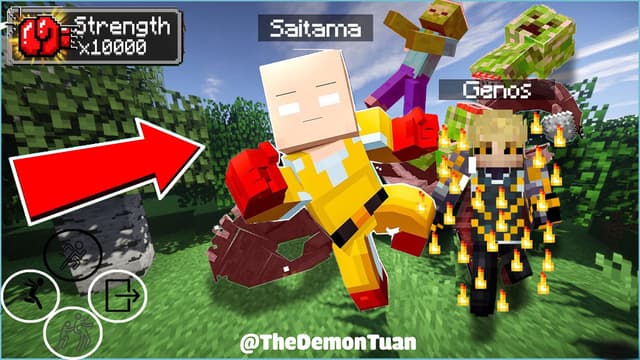
Bedrock · Add-on, Java · DatapackMC 1.18 – 26.3
Saitama One Punch Man Datapack & Add-on for Minecraft
59 views61 downloads4 comments

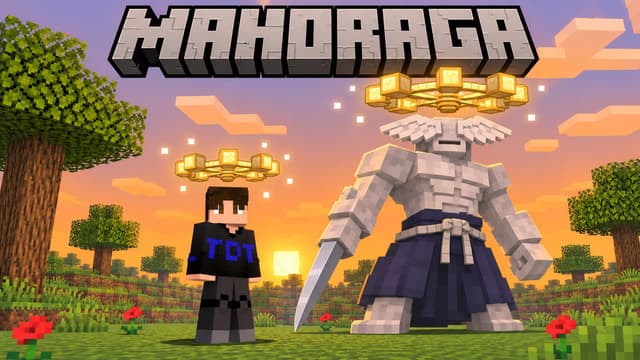
Bedrock · Add-on, Java · DatapackMC 1.21.11 – 26.4
Mahoraga Wheel of Adaptation: Minecraft Datapack & Add-on
47 views25 downloads


Java · Datapack, Bedrock · Add-onMC 1.21.11 – 26.4
Gojo: Infinity (Jujutsu Kaisen) – Java Datapack and Bedrock Add-on
1 view