


Bedrock · Add-on, Java · Datapack
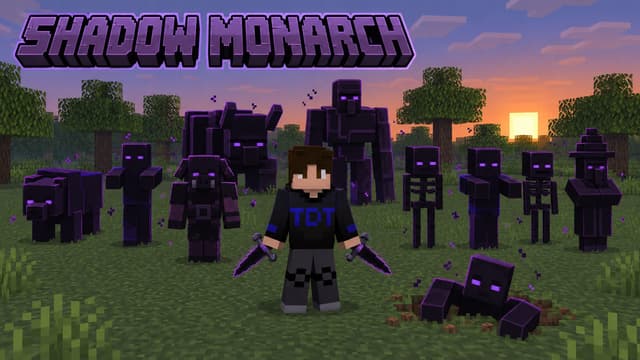
그림자 군주: 일어나라 – Java·Bedrock
나 혼자만 레벨업 그림자 군주: 영혼을 추출해 그림자 군단을 이끄세요. Java 1.21.11–26.4, Bedrock 1.21.20+.
Step 1 of 2 · Verify you're human
Tick the box below to start your download.
Skip the wait and download at full speedSupport the creator on YouTube, it's free. Your links unlock instantly and download without the speed limit.
SubscribeChoose edition, platform and Minecraft version
Bedrock · Add-on · 1.21.0 – 26.66 · Release Bedrock 1.0
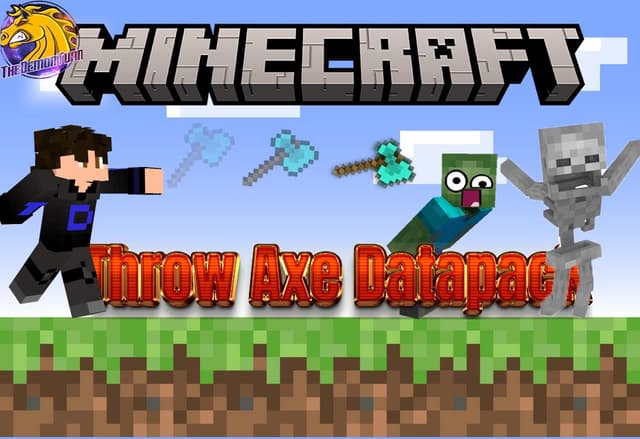
ThrowAxe Bedrock Add-on
Direct DownloadBedrock · Add-onMC 1.21.0 – 26.66197 KB
Import the .mcaddon and activate the behavior pack. Hold sneak to charge, use to throw. No experimental toggles.
Java · Datapack · 1.21.11 – 26.4 · Release 1.21.11-26.4
ThrowAxe Datapack (1.21.11 – 26.4)
Direct DownloadMC 1.21.11 – 26.4437 KB4 downloads
Place in world/datapacks. No resource pack needed.
Java · Datapack · 1.19 · Release 1.19
ThrowAxe Datapack (1.19, legacy)
Direct DownloadMC 1.1946 KB
Old drop-to-throw version.
ThrowAxe Resource Pack (1.19, legacy)
Direct DownloadMC 1.19409 KB
Required by the 1.19 version only (OptiFine).
Bedrock · Add-on, Java · Datapack
나 혼자만 레벨업 그림자 군주: 영혼을 추출해 그림자 군단을 이끄세요. Java 1.21.11–26.4, Bedrock 1.21.20+.
Java · Datapack, Bedrock · Add-on
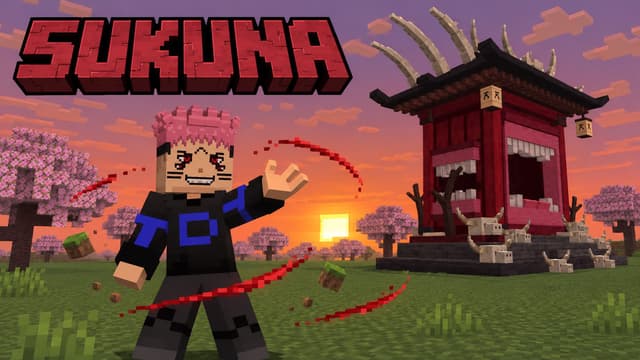
스쿠나의 가면으로 저주의 왕 술식과 복마어주자를 다뤄보세요. Java 1.21.11–26.4, Bedrock 1.21.20+.
Bedrock · Add-on, Java · Datapack
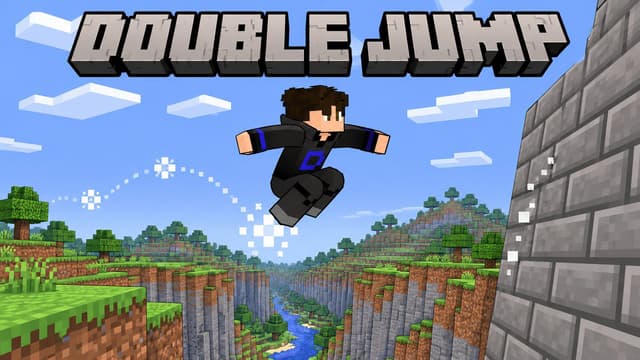
Minecraft에서의 공중 점프, 벽 슬라이드 및 등반. Java 데이터 팩과 Bedrock 행동 팩을 비교하고, 알맞은 버전을 선택하며 서로 다른 조작법을 익혀보세요.
Bedrock · Add-on, Java · Datapack
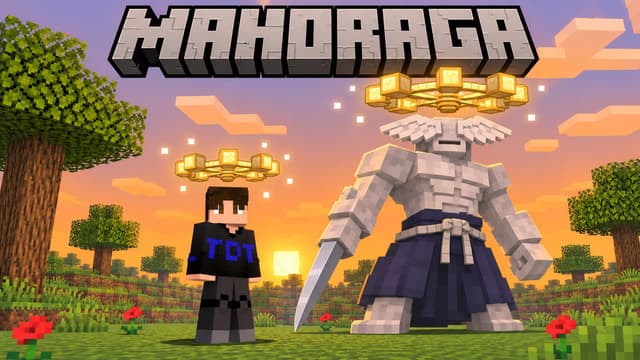
법륜을 착용하고 공격에서 살아남으면 적응이 시작됩니다. 5번 회전하면 그 피해나 유해 효과는 더 이상 통하지 않습니다. 자바 1.21.11–26.4, 베드락 1.20.80+ 지원.
Analytics preferences
Allow optional Google Analytics cookies to measure visits and improve articles? Advertising consent is separate. Privacy policy (English)


