



Bedrock · Add-on, Java · Datapack
魔虚罗调伏之轮:Minecraft 数据包与基岩版附加包
Minecraft 版魔虚罗调伏之轮:Java 数据包(1.21.11 – 26.4)及基岩版附加包(1.20.80+)。佩戴此轮,在受击后幸存即可完成解析。经过 5 次转动,该种类的伤害或负面效果将无法对你造成影响。
Step 1 of 2 · Verify you're human
Tick the box below to start your download.
Skip the wait and download at full speedSupport the creator on YouTube, it's free. Your links unlock instantly and download without the speed limit.
SubscribeChoose edition, platform and Minecraft version
Bedrock · Add-on · 1.20.80 – 26.66 · Release Bedrock 1.0
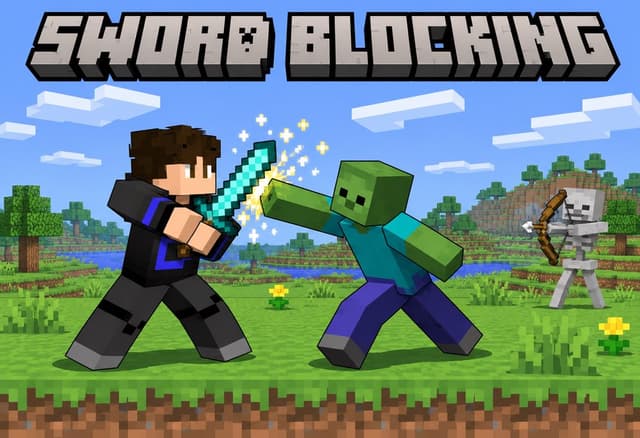
Sword Blocking Bedrock Add-on
Direct DownloadBedrock · Add-onMC 1.20.80 – 26.6677 KB4 downloads
Import the .mcaddon and activate the behavior pack. Sneak with a sword to block. No experimental toggles.
Java · Datapack · 1.21.5 – 26.4 · Release 1.21.5-26.4
Sword Blocking Datapack (1.21.5 – 26.4)
Direct DownloadMC 1.21.5 – 26.483 KB4 downloads
Place in world/datapacks. No resource pack needed.
Java · Datapack · 1.16 – 1.17 · Release 1.2
Sword Blocking Datapack (1.16 – 1.17, legacy)
Direct DownloadMC 1.16 – 1.1721 KB1 download
Old Shift-to-block version.
Sword Blocking Resource Pack (1.16 – 1.17, legacy)
Direct DownloadMC 1.16 – 1.172.3 MB1 download
Required by the legacy version only.
Bedrock · Add-on, Java · Datapack
Minecraft 版魔虚罗调伏之轮:Java 数据包(1.21.11 – 26.4)及基岩版附加包(1.20.80+)。佩戴此轮,在受击后幸存即可完成解析。经过 5 次转动,该种类的伤害或负面效果将无法对你造成影响。

Bedrock · Add-on, Java · Datapack
为 Minecraft 添加投掷斧功能:适用于 Java 版的数据包 (1.21.11 – 26.4) 和基岩版附加包 (1.21.0+)。给任意斧头蓄力,松手即可发射,斧头会嵌入击中位置并保留原有的附魔。
Analytics preferences
Allow optional Google Analytics cookies to measure visits and improve articles? Advertising consent is separate. Privacy policy (English)
