

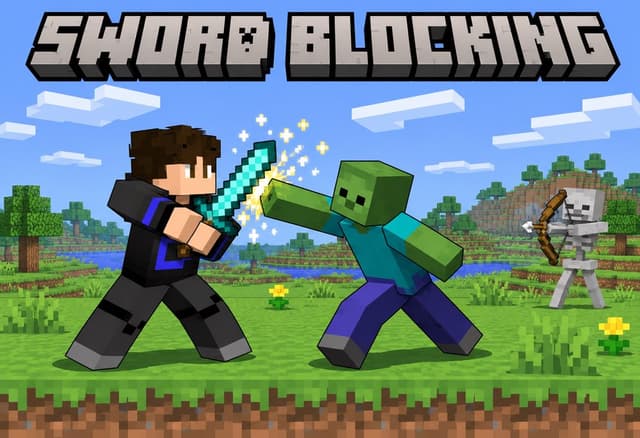
Download 1.8の剣ガード復活:Java版データパックとBedrockアドオン
Step 1 of 2 · Verify you're human
Tick the box below to start your download.
If you want to continue, allow advertisements for this site in your browser or extension, then reload. You never need to click an ad or change your network-wide DNS settings.
Skip the wait – it's freeSupport the creator and your links unlock instantly.
SubscribeDownloading at limited speedSupport the creator to unlock full speed – it's free.
SubscribeChoose edition, platform and Minecraft version
Bedrock · Add-on · 1.20.80 – 26.66 · Release Bedrock 1.0
- Download
Sword Blocking Bedrock Add-on
Direct DownloadBedrock · Add-onMC 1.20.80 – 26.6677 KB4 downloads
Import the .mcaddon and activate the behavior pack. Sneak with a sword to block. No experimental toggles.
Installation · Bedrock · Add-on · 1.20.80 – 26.66
- Download the .mcaddon or .mcpack file. On mobile, open it from your Files app.
- Open the file: Minecraft Bedrock starts and imports the pack by itself.
- Create or edit a world → Behavior Packs / Resource Packs → Activate the pack, then play.
Java · Datapack · 1.21.5 – 26.4 · Release 1.21.5-26.4
- Download
Sword Blocking Datapack (1.21.5 – 26.4)
Direct DownloadMC 1.21.5 – 26.483 KB4 downloads
Place in world/datapacks. No resource pack needed.
Installation · Java · Datapack · 1.21.5 – 26.4
- Open your world folder: .minecraft/saves/<world-name>/datapacks (or click "Data Packs" during world creation).
- Copy the datapack .zip file into the datapacks folder. Do not extract it.
- Enter the world, run /reload then /datapack list to verify the pack is active.
Java · Datapack · 1.16 – 1.17 · Release 1.2
- Download
Sword Blocking Datapack (1.16 – 1.17, legacy)
Direct DownloadMC 1.16 – 1.1721 KB1 download
Old Shift-to-block version.
- Download
Sword Blocking Resource Pack (1.16 – 1.17, legacy)
Direct DownloadMC 1.16 – 1.172.3 MB1 download
Required by the legacy version only.
Installation · Java · Datapack · 1.16 – 1.17
- Open your world folder: .minecraft/saves/<world-name>/datapacks (or click "Data Packs" during world creation).
- Copy the datapack .zip file into the datapacks folder. Do not extract it.
- Enter the world, run /reload then /datapack list to verify the pack is active.