



Java · Datapack, Bedrock · Add-on
Ryomen Sukuna (JJK) – Java Datapack y Bedrock Add-on
Conviértete en Sukuna de Jujutsu Kaisen: técnicas, energía maldita y Expansión de Dominio Relicario Demoníaco. Java 1.21.11–26.4, Bedrock 1.21.20+.
Step 1 of 2 · Verify you're human
Tick the box below to start your download.
Skip the wait and download at full speedSupport the creator on YouTube, it's free. Your links unlock instantly and download without the speed limit.
SubscribeChoose edition, platform and Minecraft version
Bedrock · Add-on · 1.20.80 – 26.66 · Release Bedrock 1.0
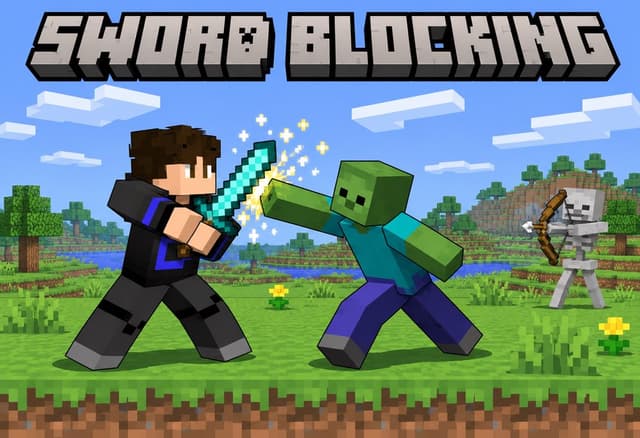
Sword Blocking Bedrock Add-on
Direct DownloadBedrock · Add-onMC 1.20.80 – 26.6677 KB4 downloads
Import the .mcaddon and activate the behavior pack. Sneak with a sword to block. No experimental toggles.
Java · Datapack · 1.21.5 – 26.4 · Release 1.21.5-26.4
Sword Blocking Datapack (1.21.5 – 26.4)
Direct DownloadMC 1.21.5 – 26.483 KB4 downloads
Place in world/datapacks. No resource pack needed.
Java · Datapack · 1.16 – 1.17 · Release 1.2
Sword Blocking Datapack (1.16 – 1.17, legacy)
Direct DownloadMC 1.16 – 1.1721 KB1 download
Old Shift-to-block version.
Sword Blocking Resource Pack (1.16 – 1.17, legacy)
Direct DownloadMC 1.16 – 1.172.3 MB1 download
Required by the legacy version only.
Java · Datapack, Bedrock · Add-on
Conviértete en Sukuna de Jujutsu Kaisen: técnicas, energía maldita y Expansión de Dominio Relicario Demoníaco. Java 1.21.11–26.4, Bedrock 1.21.20+.

Bedrock · Add-on, Java · Datapack
Equípate la rueda de Mahoraga y sobrevive a un golpe: tras 5 giros, ese daño o efecto perjudicial ya no te afecta. Java 1.21.11–26.4, Bedrock 1.20.80+.

Bedrock · Add-on, Java · Datapack
Saltos en el aire, deslizarte por paredes y escalar en Minecraft. Compara el datapack de Java y el pack de comportamiento de Bedrock y sus controles.
Bedrock · Add-on, Java · Datapack
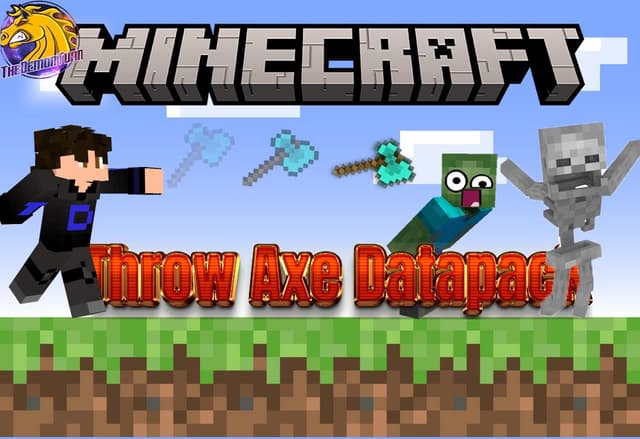
Lanza cualquier hacha como un tridente: cárgala, suéltala y se clava donde impacta con sus encantamientos. Datapack Java 1.21.11–26.4, add-on Bedrock 1.21.0+.
Analytics preferences
Allow optional Google Analytics cookies to measure visits and improve articles? Advertising consent is separate. Privacy policy (English)


