


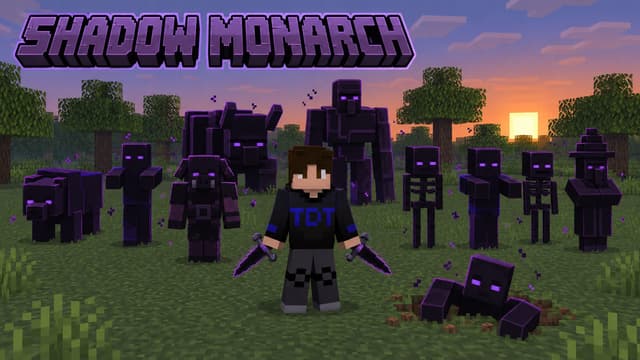
Bedrock · Add-on, Java · Datapack
Shadow Monarch: Arise – Datapack Java & Add-on Bedrock
Devenez le Monarque des Ombres (Solo Leveling) : extrayez les âmes, levez votre armée, dagues de Kamish. Java 1.21.11–26.4, Bedrock 1.21.20+.
Step 1 of 2 · Verify you're human
Tick the box below to start your download.
Skip the wait and download at full speedSupport the creator on YouTube, it's free. Your links unlock instantly and download without the speed limit.
SubscribeChoose edition, platform and Minecraft version
Bedrock · Add-on · 1.21.0 – 26.66 · Release Bedrock 1.0
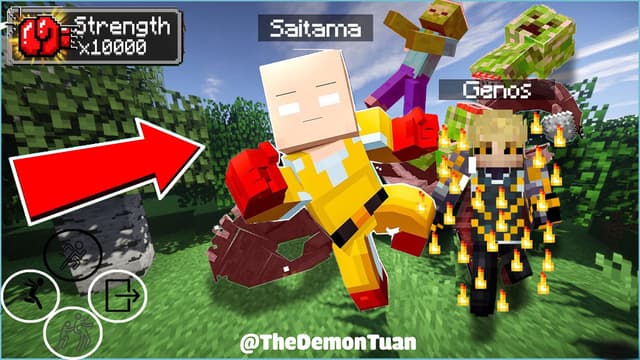
Saitama Bedrock Add-on
Direct DownloadBedrock · Add-onMC 1.21.0 – 26.661.8 MB4 downloads
Import the .mcaddon, activate the behavior pack (the resource pack comes with it). No experimental toggles.
Java · Datapack · 1.21.5 – 26.3 · Release 2.1.0
Saitama Datapack (1.21.5 – 26.3)
Direct DownloadMC 1.21.5 – 26.32.4 MB11 downloads
Place in world/datapacks, then run /reload.
Saitama Resource Pack (1.21.5 – 26.3)
Direct DownloadMC 1.21.5 – 26.37.4 MB9 downloads
Required: models, textures and sounds. Turn it on in Resource Packs.
Java · Datapack · 1.18 – 1.21.4 · Release 2.1.0
Saitama Datapack (1.18 – 1.21.4)
Direct DownloadMC 1.18 – 1.21.42.7 MB2 downloads
Place in world/datapacks, then run /reload.
Saitama Resource Pack (1.18 – 1.21.4)
Direct DownloadMC 1.18 – 1.21.47.5 MB3 downloads
Required. On 1.18 – 1.21.1 the suit skin needs OptiFine.
Bedrock · Add-on, Java · Datapack
Devenez le Monarque des Ombres (Solo Leveling) : extrayez les âmes, levez votre armée, dagues de Kamish. Java 1.21.11–26.4, Bedrock 1.21.20+.
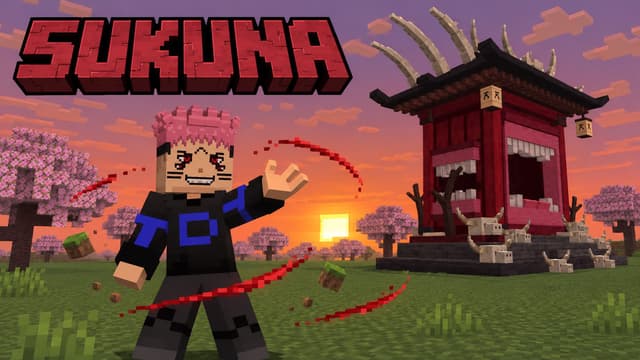
Java · Datapack, Bedrock · Add-on
Incarnez Sukuna de Jujutsu Kaisen : sorts, énergie occulte et extension du territoire Autel Démoniaque. Java 1.21.11–26.4, Bedrock 1.21.20+.
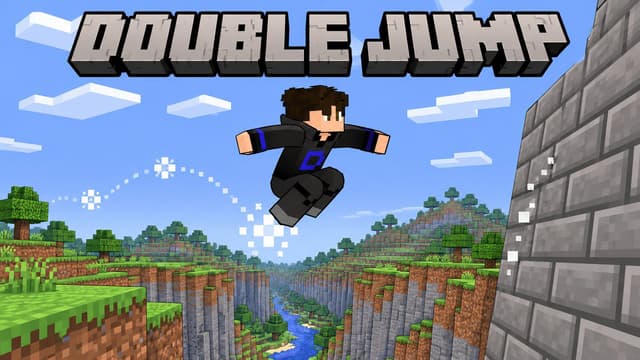
Bedrock · Add-on, Java · Datapack
Sauts en l'air, glissades et escalade sur les murs dans Minecraft. Comparez le datapack Java et le pack de comportement Bedrock et leurs commandes.
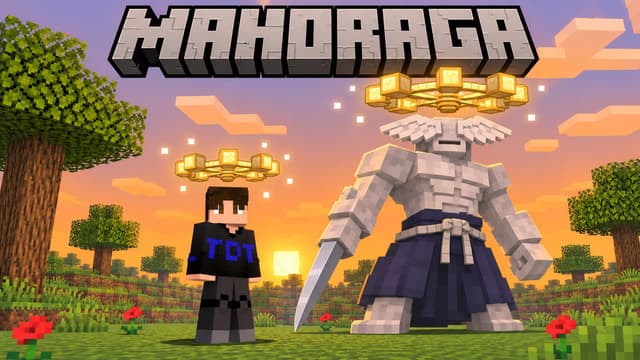
Bedrock · Add-on, Java · Datapack
Portez la roue de Mahoraga et survivez à un coup : après 5 tours, ces dégâts ou cet effet néfaste ne vous touchent plus. Java 1.21.11–26.4, Bedrock 1.20.80+.
Analytics preferences
Allow optional Google Analytics cookies to measure visits and improve articles? Advertising consent is separate. Privacy policy (English)


