



Bedrock · Add-on, Java · Datapack
Roda da Adaptação do Mahoraga: datapack e add-on Minecraft
Use a roda do Mahoraga e sobreviva a um golpe: após 5 giros, aquele dano ou efeito nocivo não te atinge mais. Java 1.21.11–26.4, Bedrock 1.20.80+.
Step 1 of 2 · Verify you're human
Tick the box below to start your download.
Skip the wait and download at full speedSupport the creator on YouTube, it's free. Your links unlock instantly and download without the speed limit.
SubscribeChoose edition, platform and Minecraft version
Bedrock · Add-on · 1.20.80 – 26.66 · Release Bedrock 1.0
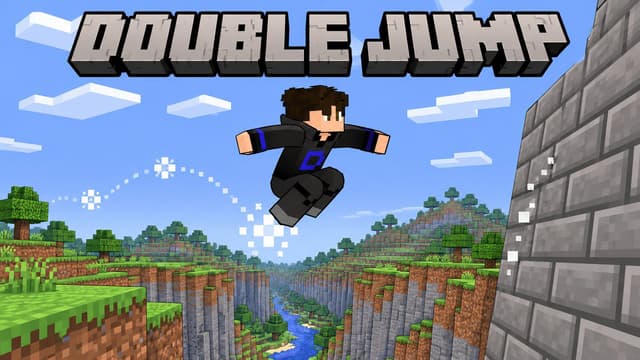
Double Jump Bedrock Add-on
Direct DownloadBedrock · Add-onMC 1.20.80 – 26.6691 KB5 downloads
Import the .mcaddon and activate the behavior pack. Wall moves use look direction; no Java mod loader.
Java · Datapack · 1.21.11 – 26.4 · Release 3.0
Double Jump Datapack (1.21.11 – 26.4)
Direct DownloadMC 1.21.11 – 26.4127 KB13 downloads
Place in world/datapacks, then restart the world.
Java · Datapack · 1.18 – 1.21.10 · Release 3.0
Double Jump Datapack (1.18 – 1.21.10)
Direct DownloadMC 1.18 – 1.21.10140 KB3 downloads
Place in world/datapacks and run /reload. 1.18 – 1.21.1: wear the Double Jump elytra from the chat button.
Java · Datapack · 1.16 · Release 2.1
Double Jump V2.1 (1.16, legacy)
Direct DownloadMC 1.1615 KB2 downloads
Old elytra version.
Bedrock · Add-on, Java · Datapack
Use a roda do Mahoraga e sobreviva a um golpe: após 5 giros, aquele dano ou efeito nocivo não te atinge mais. Java 1.21.11–26.4, Bedrock 1.20.80+.
Bedrock · Add-on, Java · Datapack
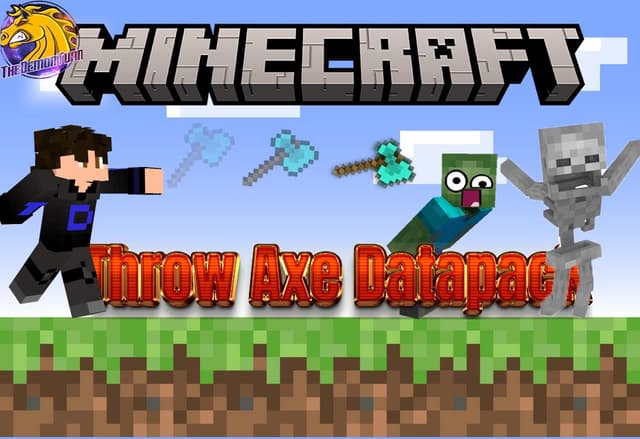
Arremesse qualquer machado como um tridente: carregue, solte e ele fica cravado onde acertar, com os encantamentos. Java 1.21.11–26.4, Bedrock 1.21.0+.
Bedrock · Add-on, Java · Datapack
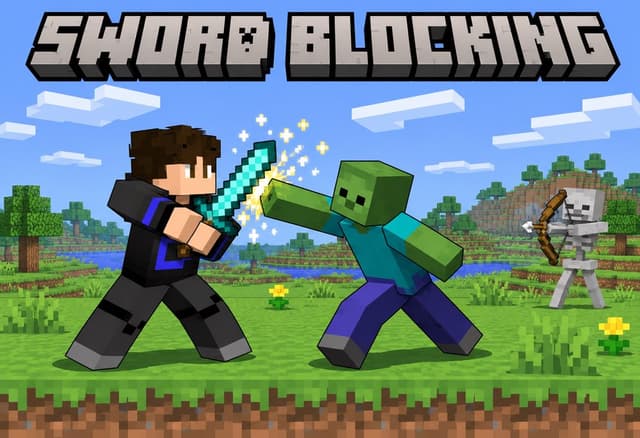
O bloqueio com espada da 1.8 voltou: bloqueie com qualquer espada e receba metade do dano. Java 1.21.5–26.4 (botão direito), Bedrock 1.20.80+ (agachar).
Bedrock · Add-on, Java · Datapack
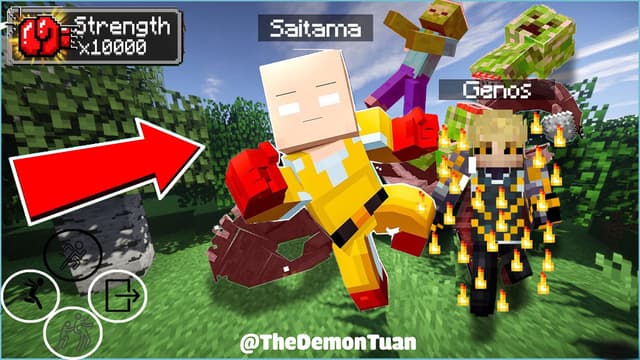
Jogue como Saitama com 8 modos de soco, vire o terreno e lute contra Lord Boros ao lado de Genos. Datapack + resource pack Java 1.18–26.3, Bedrock 1.21.0+.
Analytics preferences
Allow optional Google Analytics cookies to measure visits and improve articles? Advertising consent is separate. Privacy policy (English)


